

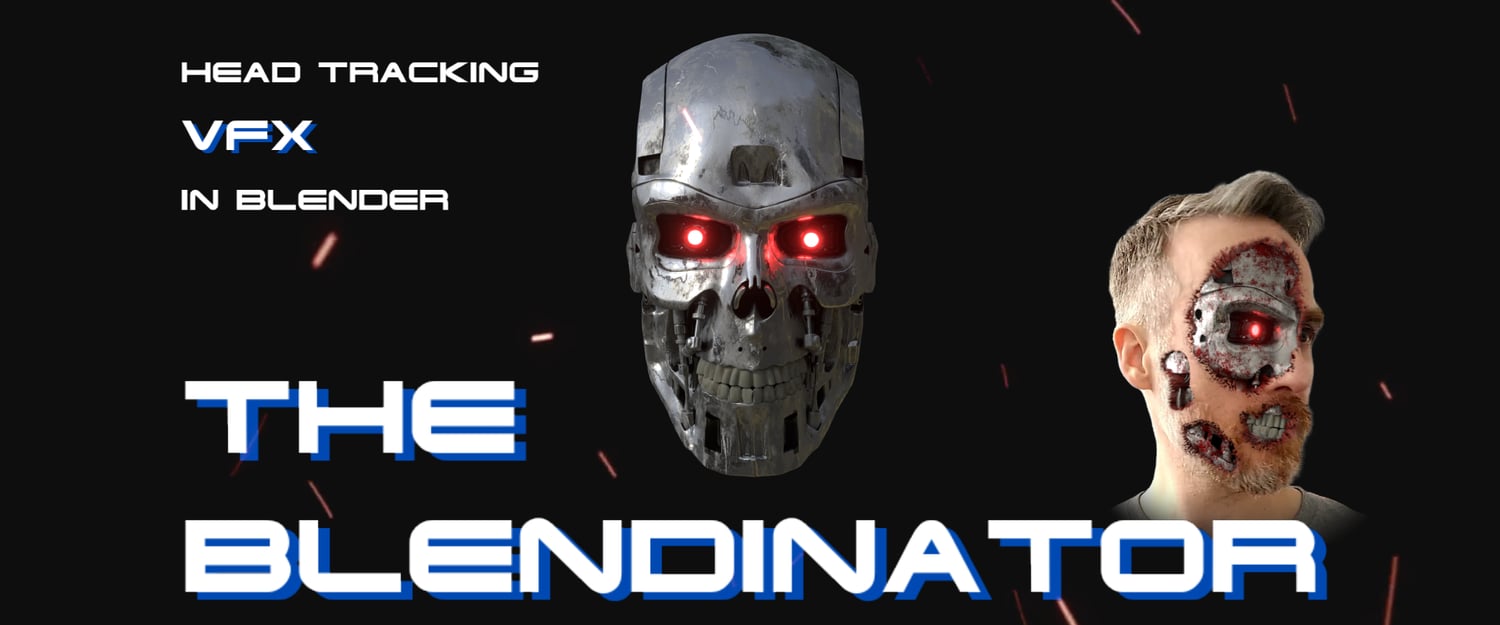
Get started with VFX in Blender!
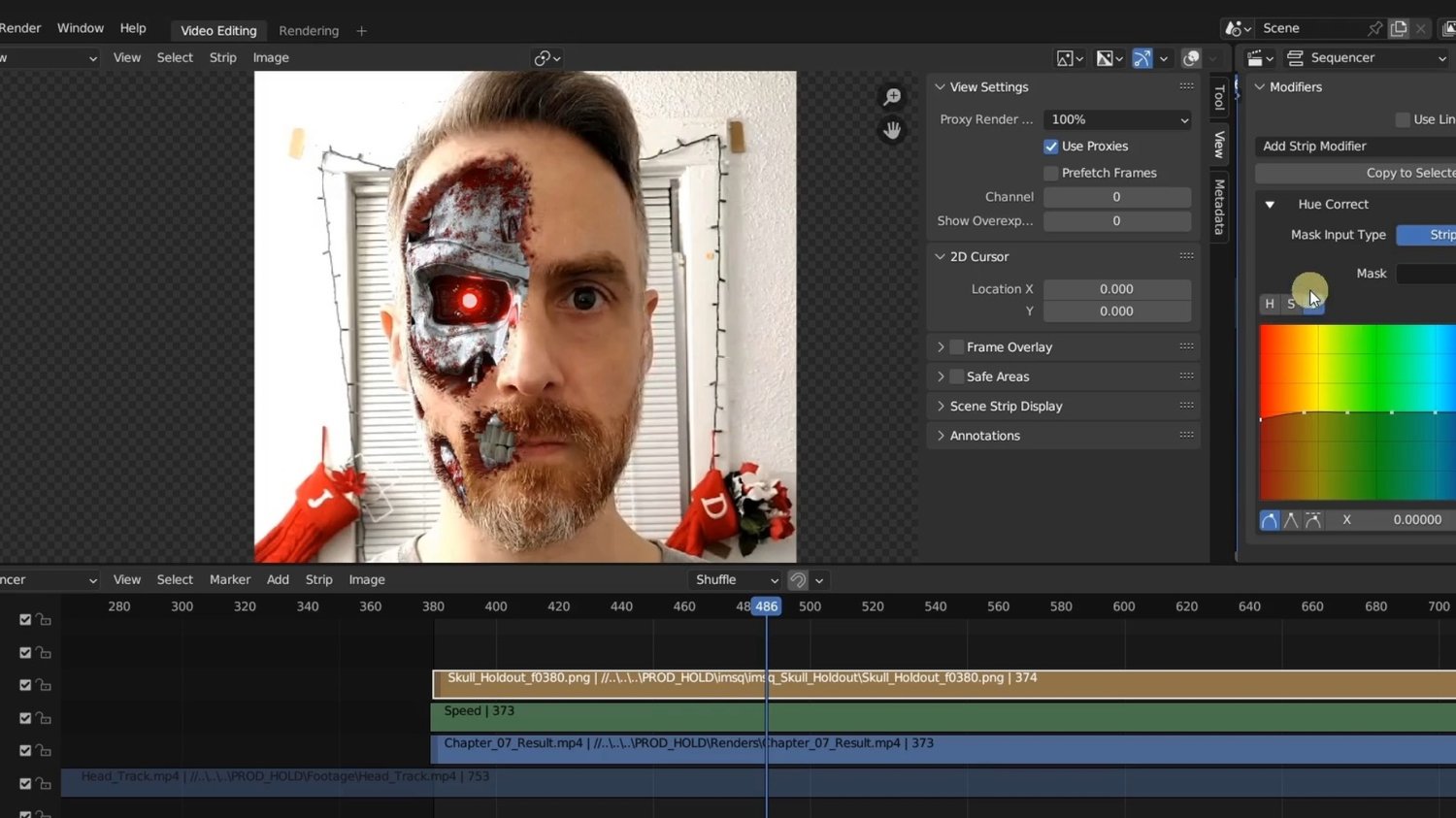
THE BLENDINATOR will help you get started RIGHT NOW with VFX in Blender turning yourself into the Terminator (or any other character) by tracking your head in Blender and adding awesome CG elements using only FREE software.
Get started with no hassle:
- No money needed (apart from this course)
- No 360 degree camera needed
- No fancy equipment required
- No plugins required
- No fancy phone apps
- Step-by-step from start to finish
- DIY – Start creating on your own today
All you need is a cell phone, computer, and a great imagination!
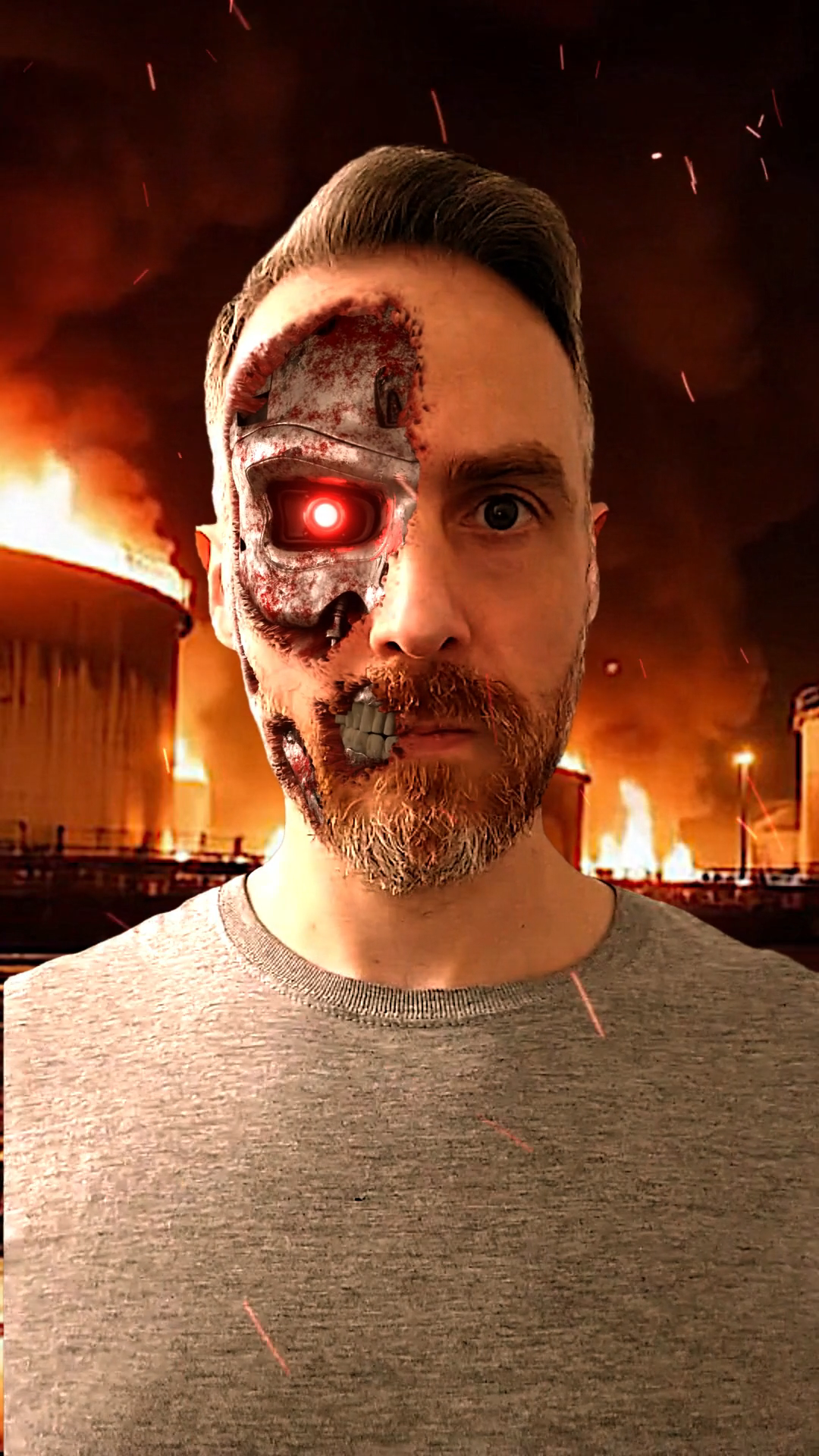
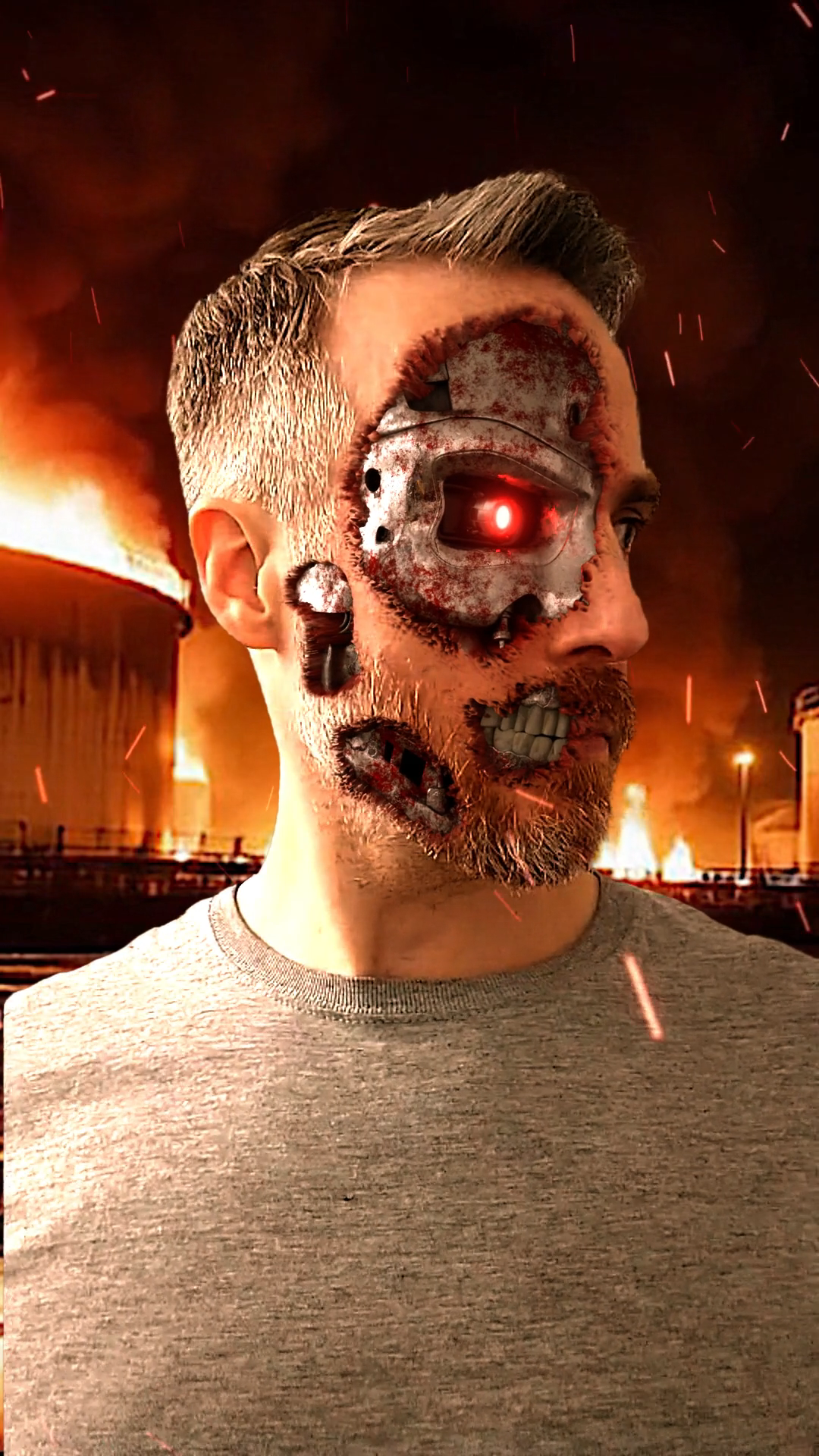
Final Result
Coupon: SUMMER2026
Gives 60% off at Checkout
Why buy this course?
There are plenty of free YouTube tutorials about object tracking! Why buy this course?
Great question! Here are just a few simple reasons.
The Blendinator:
- Has more comprehensive lessons than YouTube tutorials
- Tracks footage with more advanced head motions (not just slight movements)
- Has more fine-tuning options for tracking, masking, and modeling
- Has more debugging techniques to fix tracking errors
- Demonstrates more advanced masking/compositing workflows
- Introduces more problem-solving techniques when encountering obstacles
- New POWERFUL Rotoscoping Tool! (UPDATED 2026)
Includes all the Project Files:
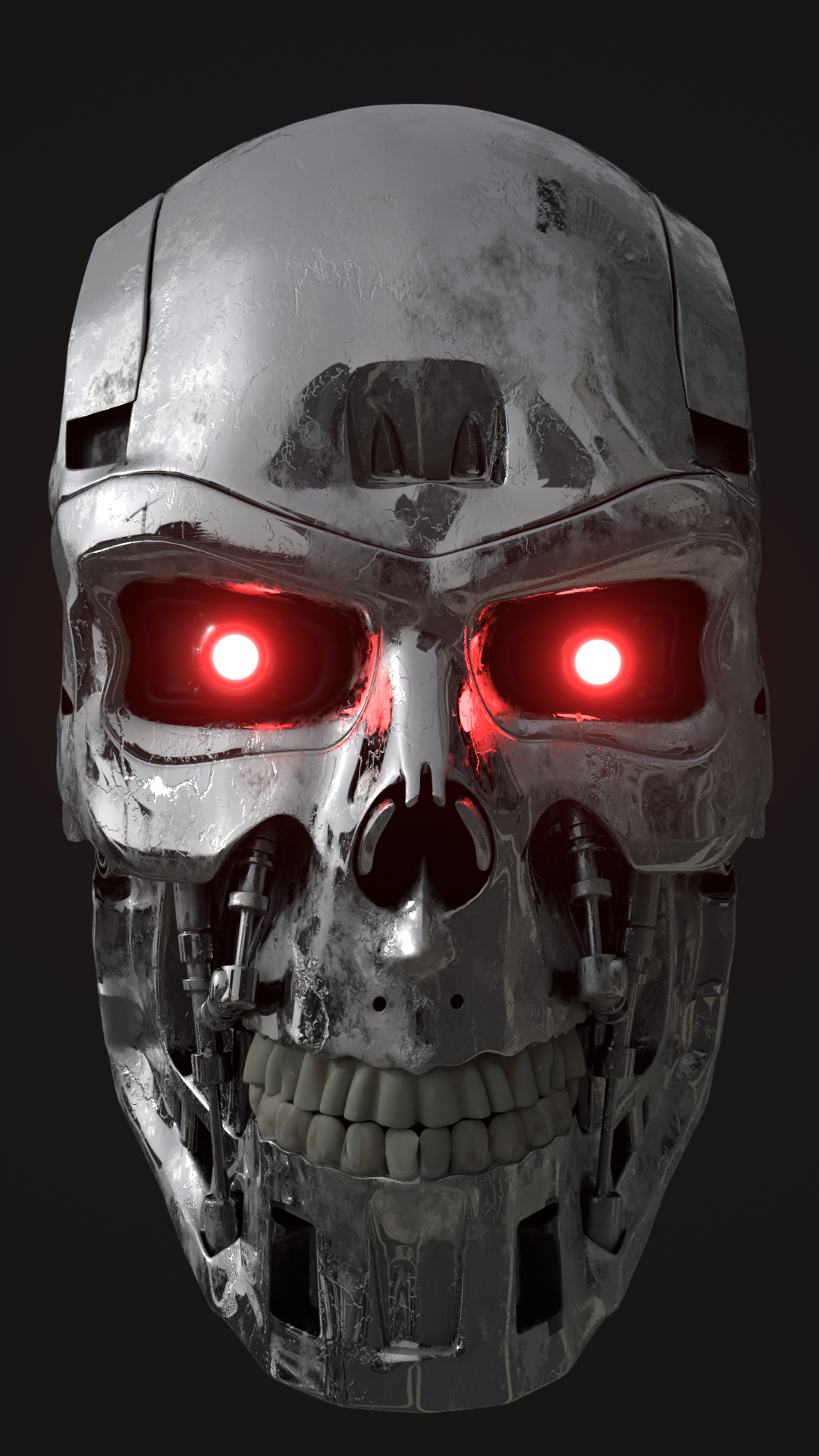
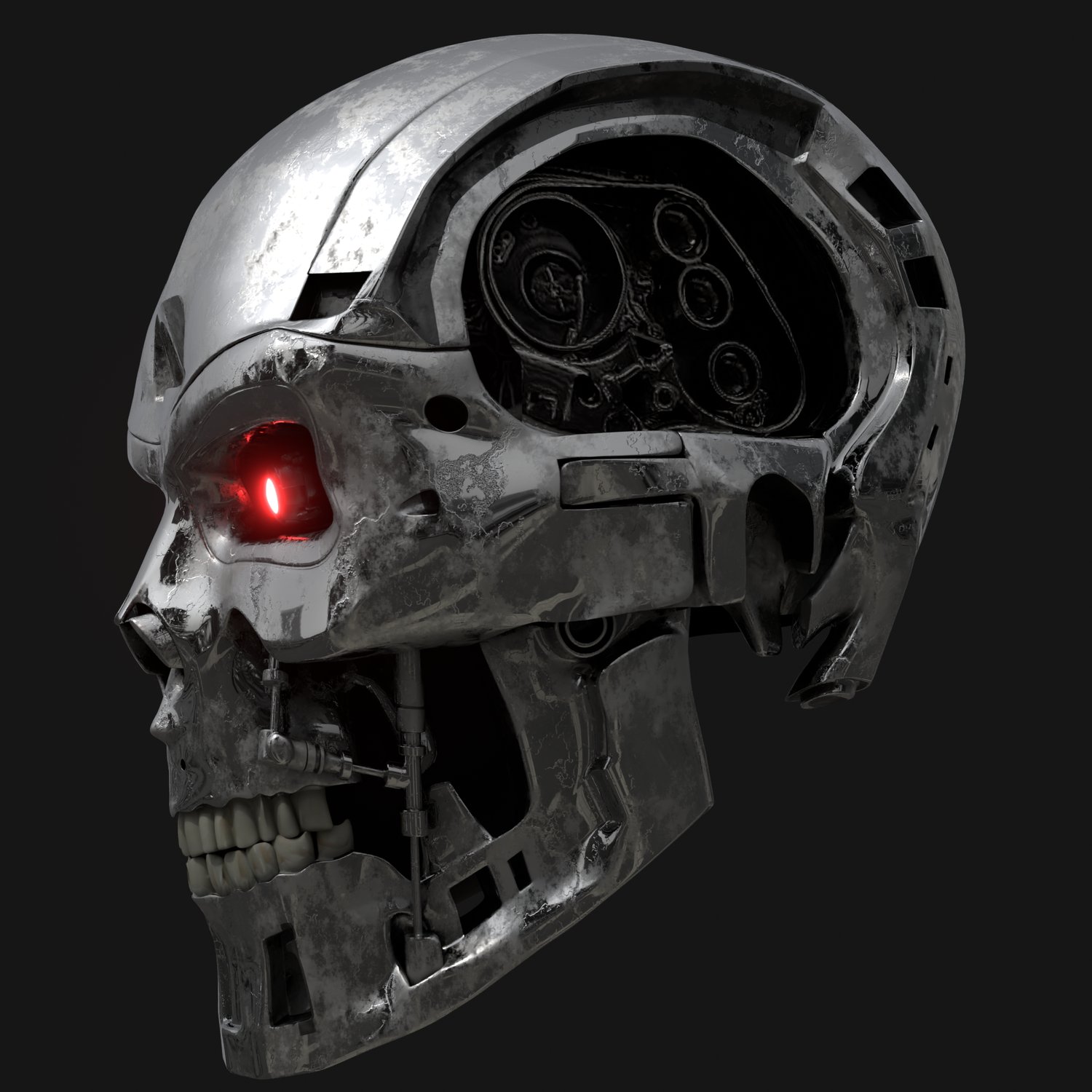
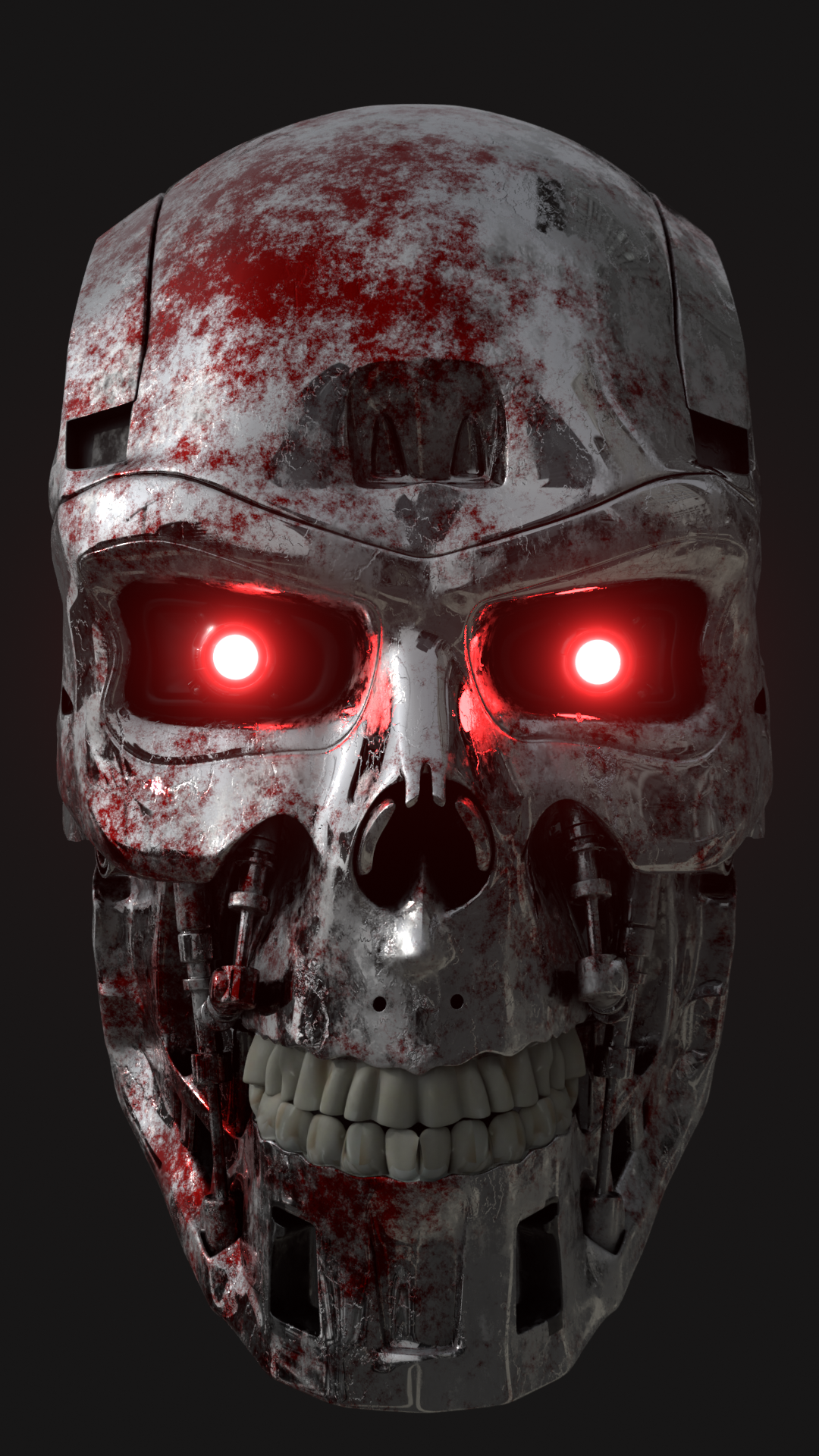
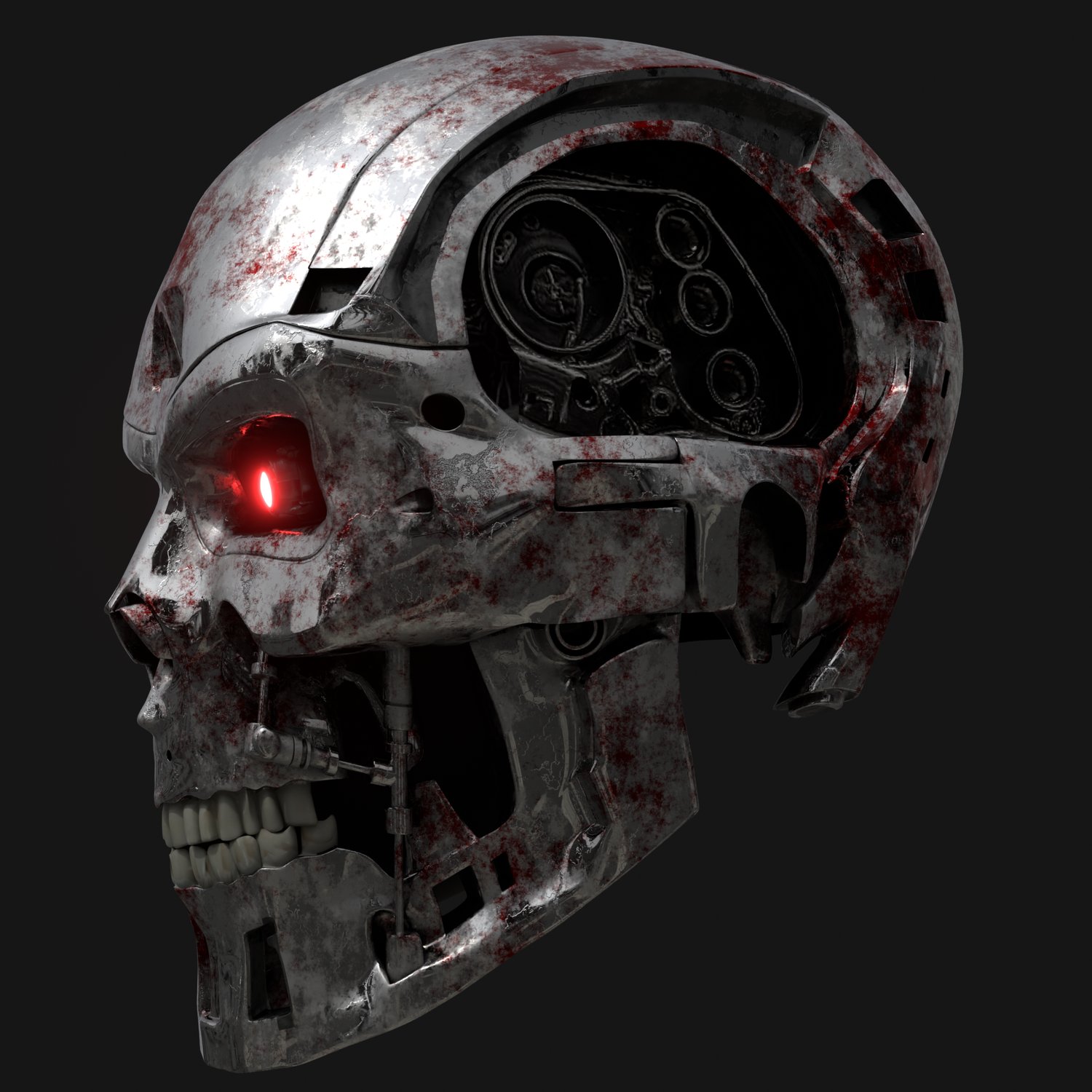
- 3D terminator-like metal skull
- All the .blend files for the results of each chapter
- All materials, textures, and masks used in the lessons
- All video footage and renders used in the lessons
- All image sequences used in the lessons
- My custom Edge Feather Node
FULL Course Released!
Full T-800 Skull Model
You're a Nerd like me
Hello! If you’ve clicked on this course, you’re probably a complete nerd like me! And nerds like us have wonderfully active imaginations. We also love movies. And those movies ignite our imaginations to run wild.
Ever wanted to be Batman actually wearing the bat suit? Ever wished you were armored up in Tony Stark’s hi-tech, titanium-nickel alloy power suit? Ever wanted to have a metal exoskeleton hidden underneath an innocent layer of fake human skin – only to be revealed upon epic battle wound damages?
THE BLENDINATOR can help you get started on bringing your imagination to life right now using VFX in Blender – all on a zero to low budget!
Obviously for me, I’ve always wondered what it would be like to be the terminator. But, you’re not limited to the terminator. This course will teach you the basics of using Head Tracking VFX in blender to turn yourself into whatever you can imagine!
CONTENTS
PART 1
CHAPTER 1 – Filming & Prep
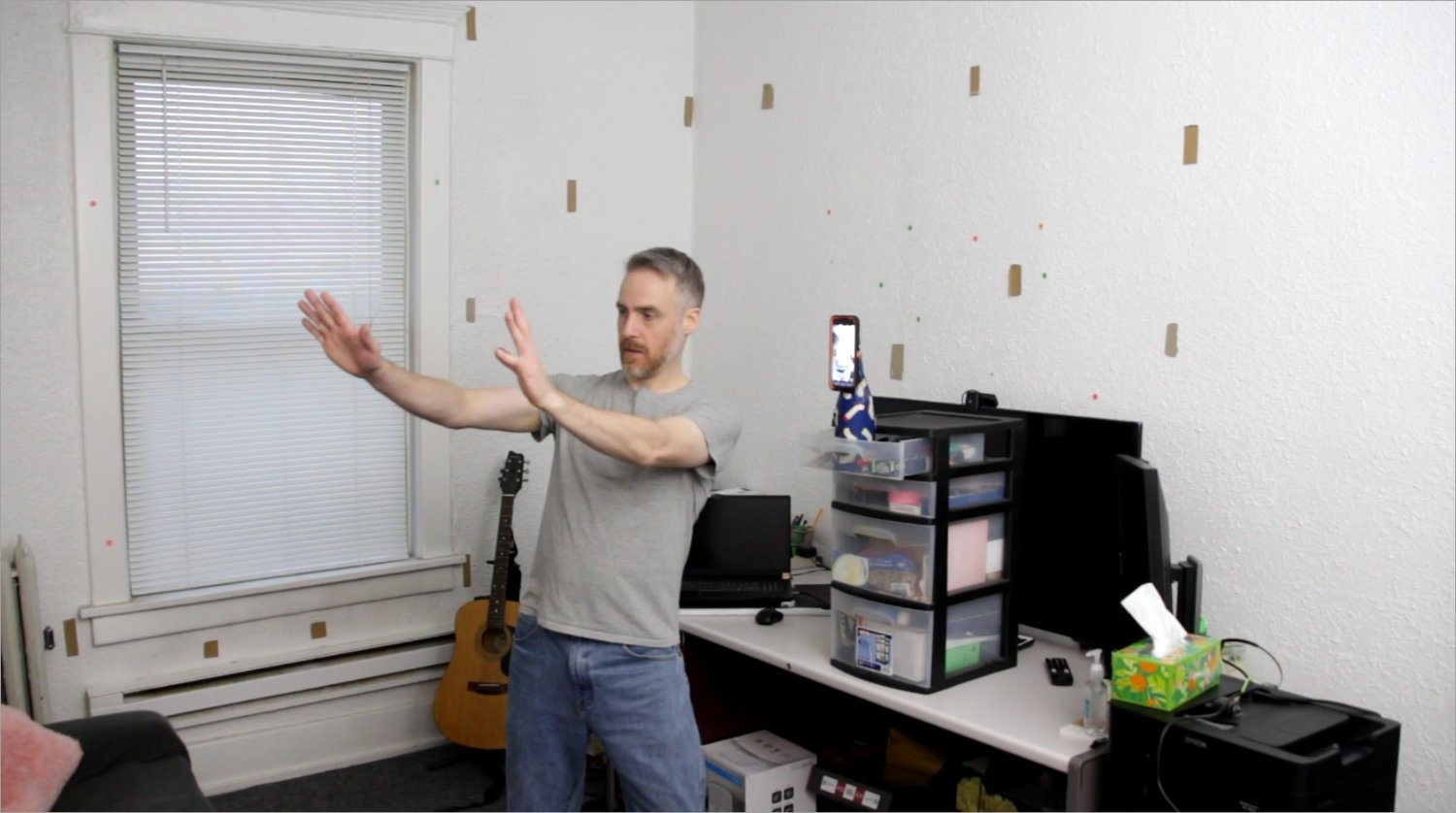
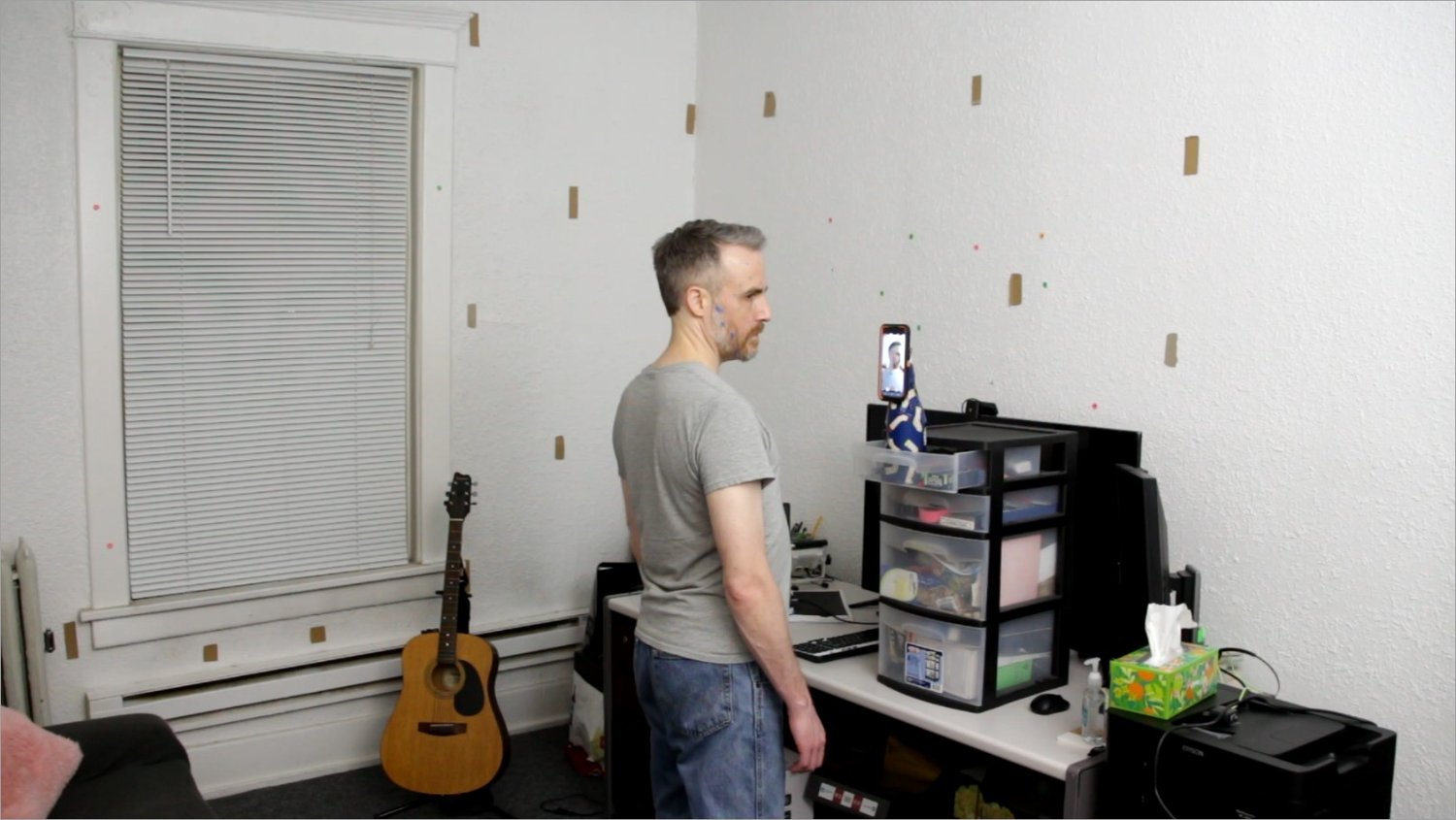
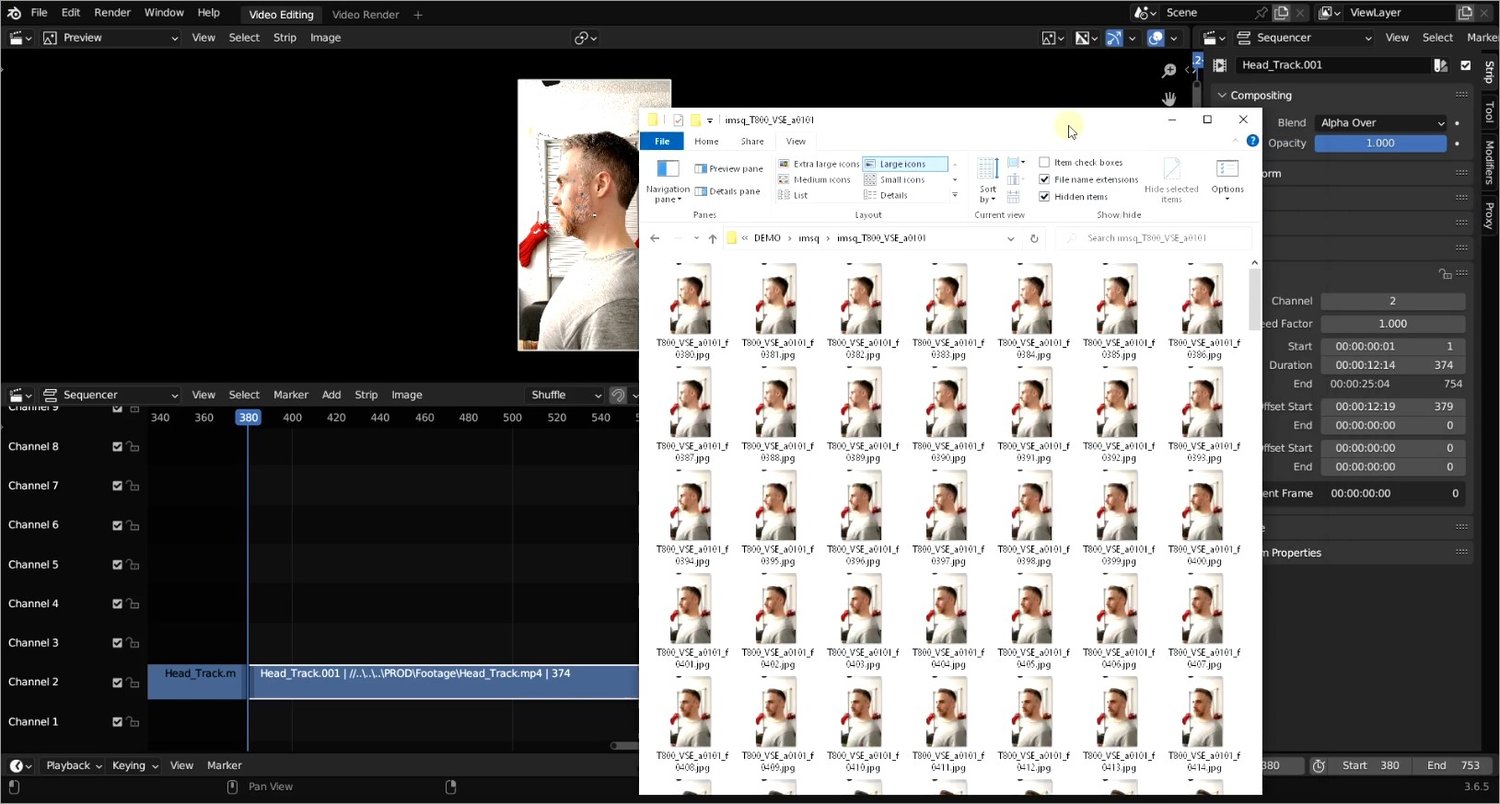
This chapter is all about filming and preparation with lots of tips and tricks I learned along the way, including advice to avoid mistakes that I originally had made. After filming you will learn how to import the footage into Blender in order to render out an image sequence.
CHAPTER 2 – Object Tracking
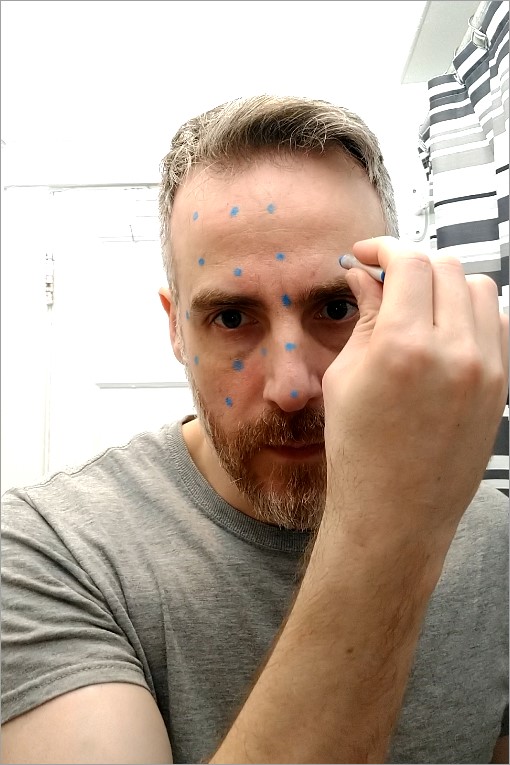
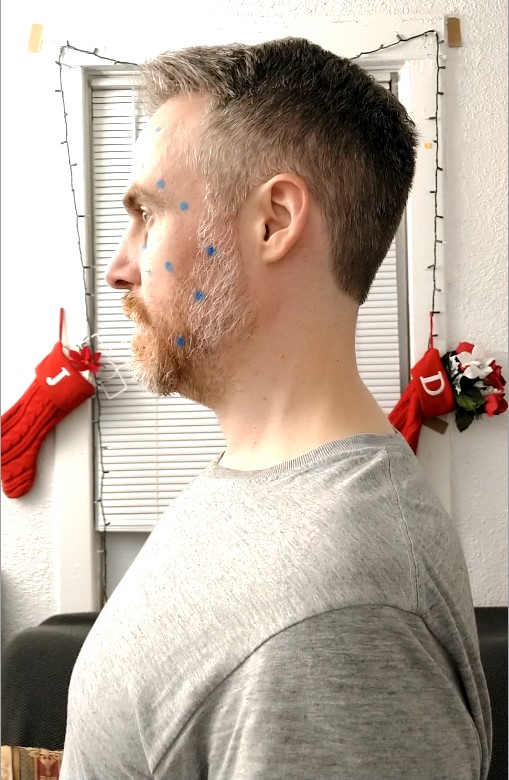
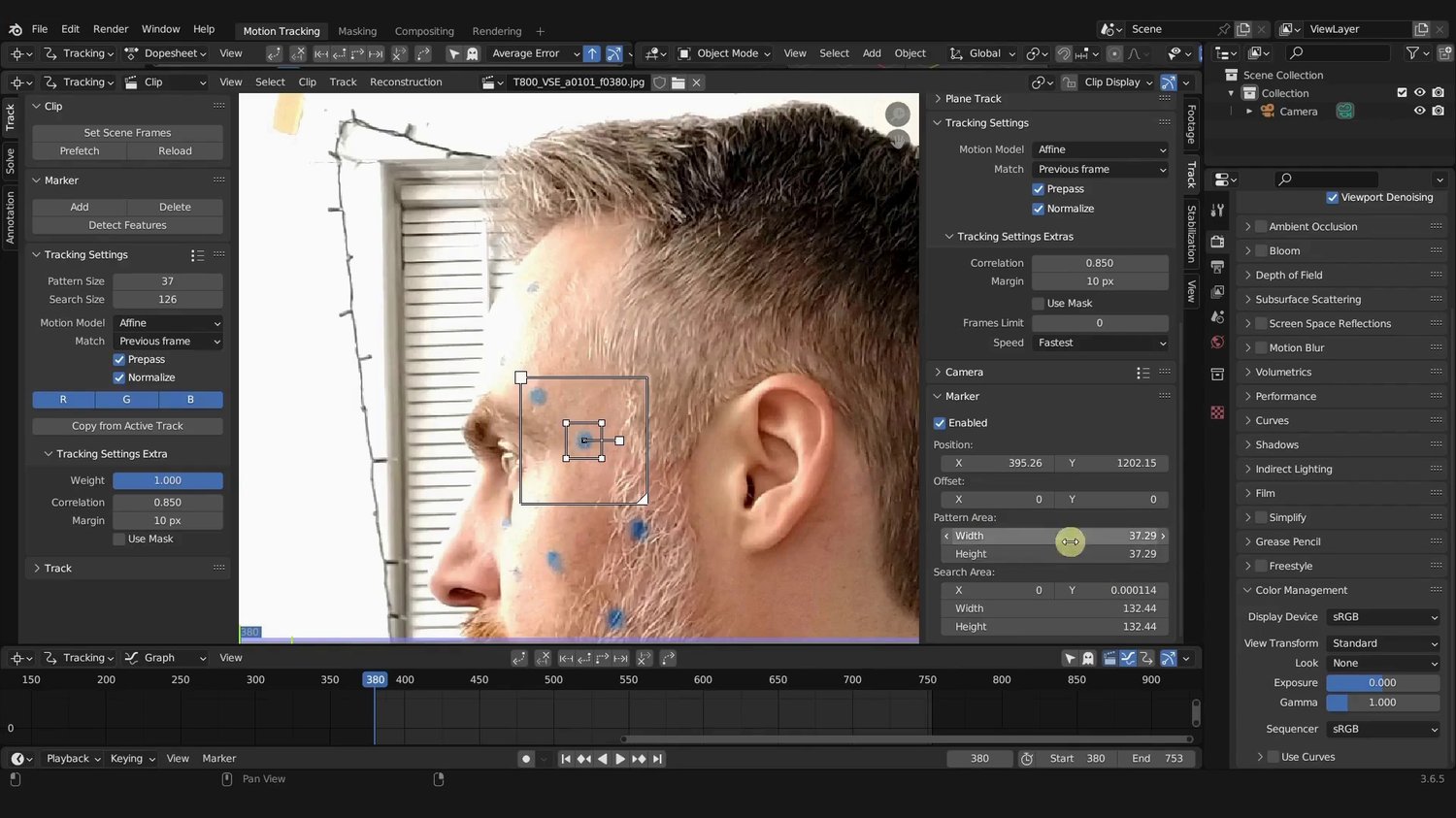
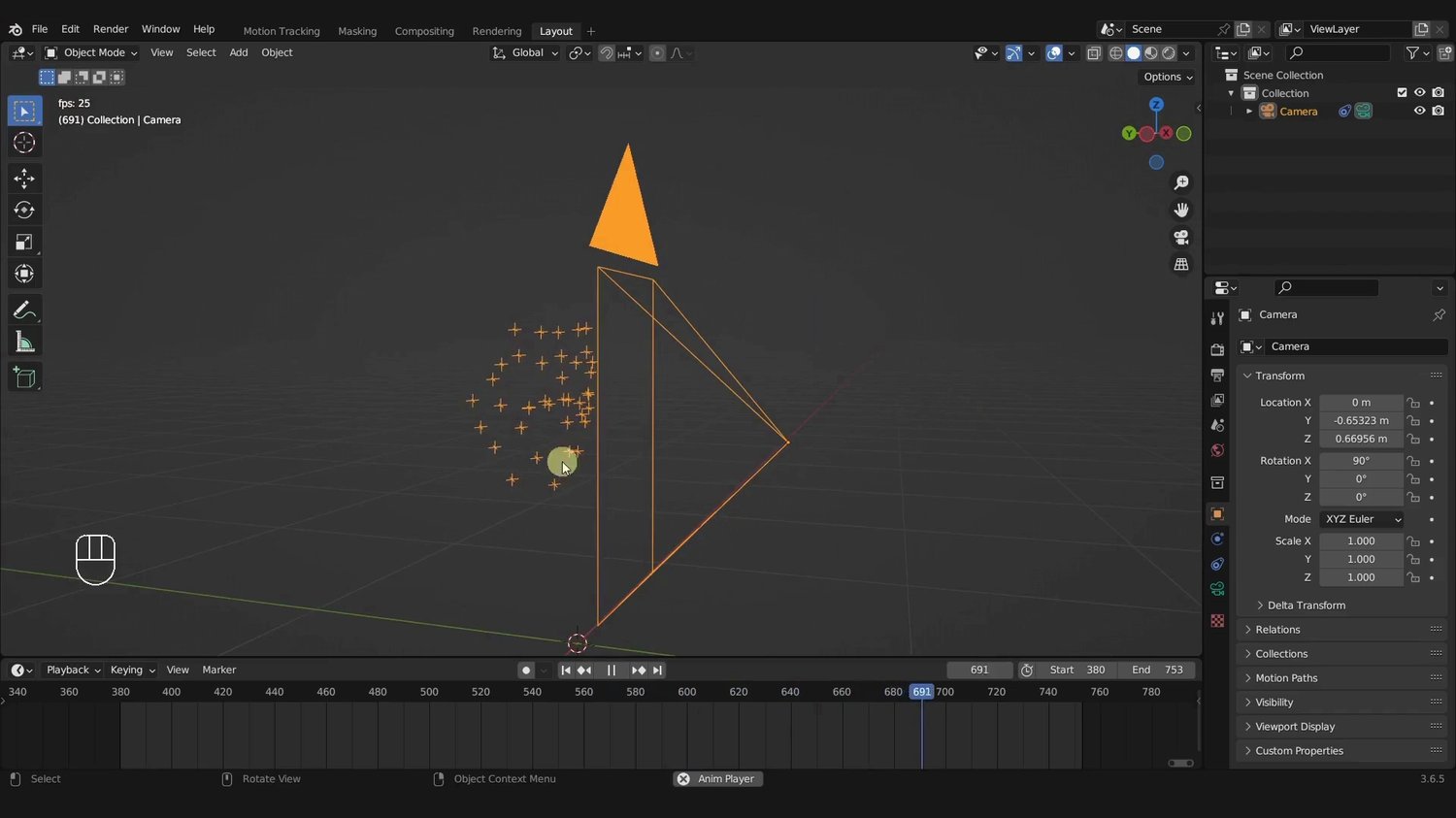
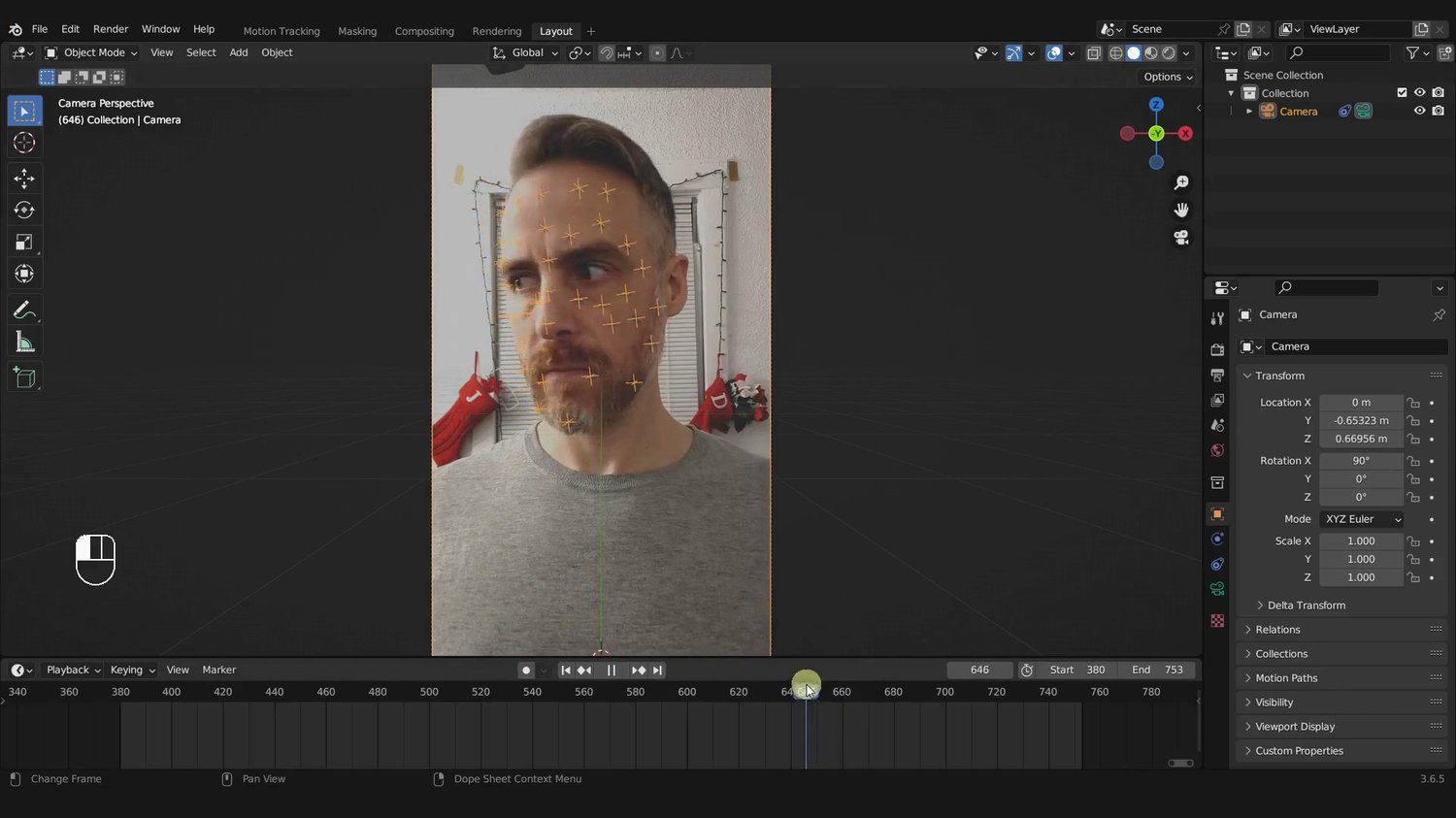
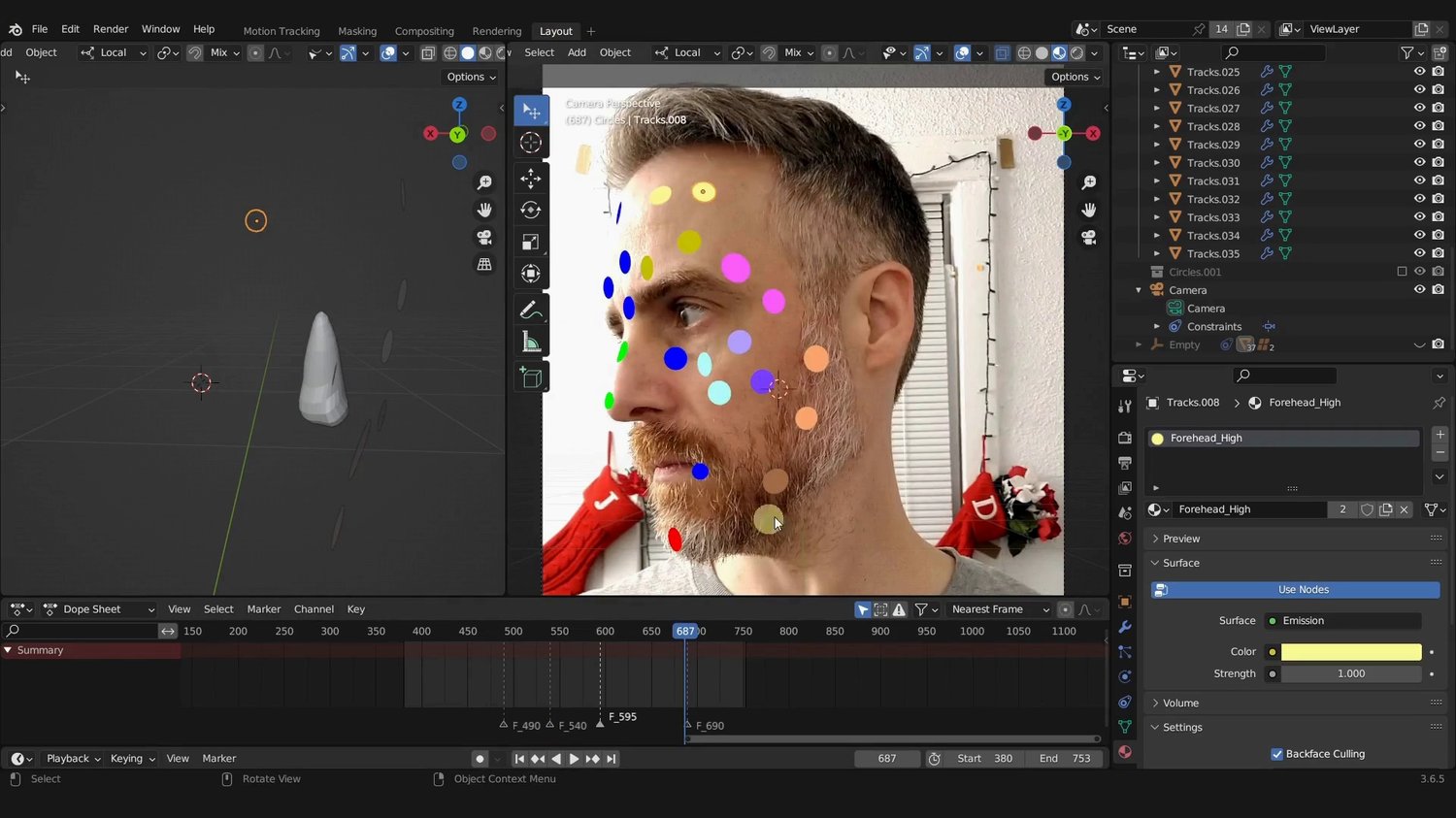
In this chapter, you will take original footage you filmed, track the markers on your face, and generate a good solve that creates a 3D rendition of the motion of the head. At the end of this chapter you should be able to recreate the motion of head movement in 3D space using a combination of various techniques.
CHAPTER 3 – The Skull
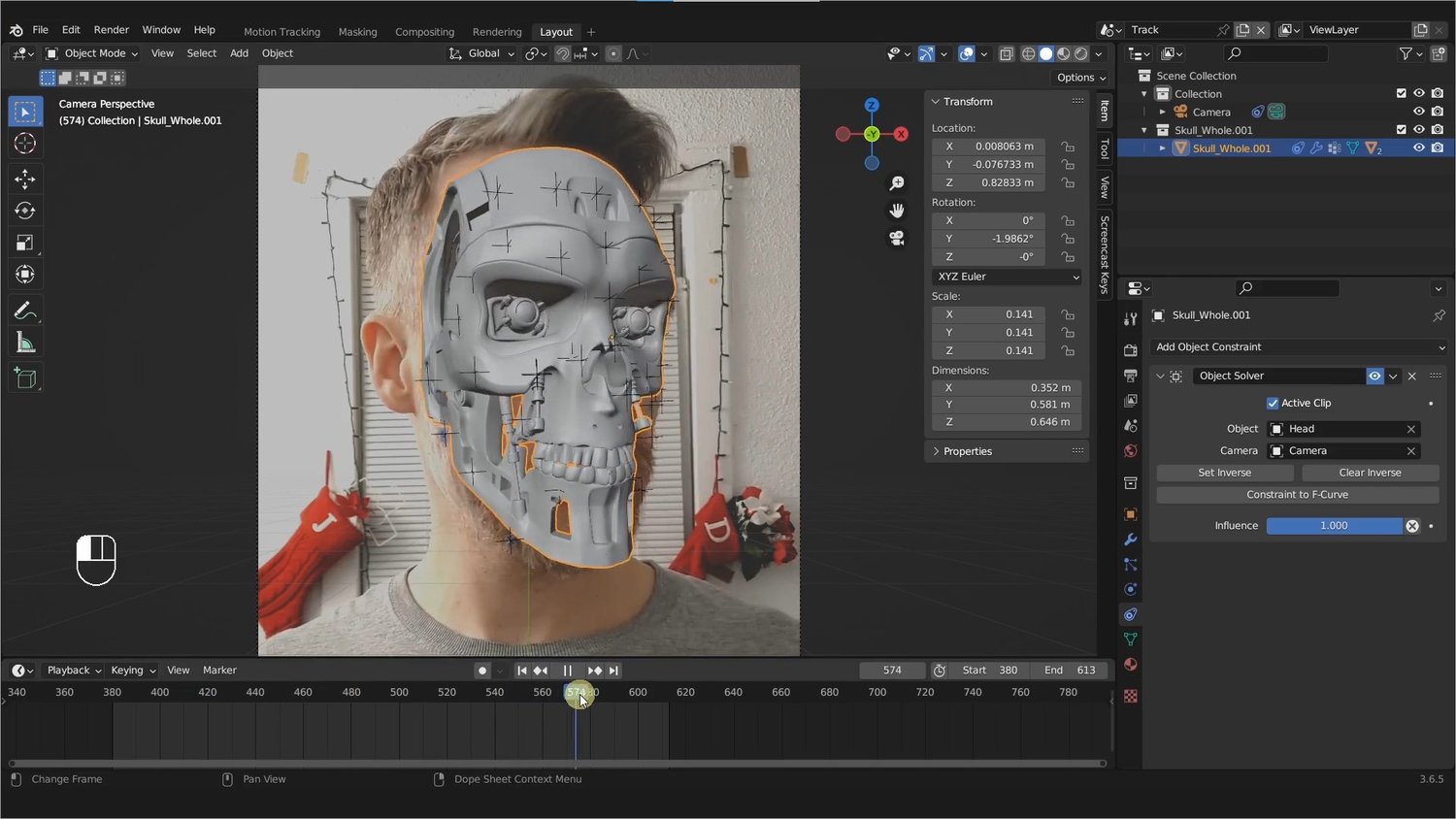
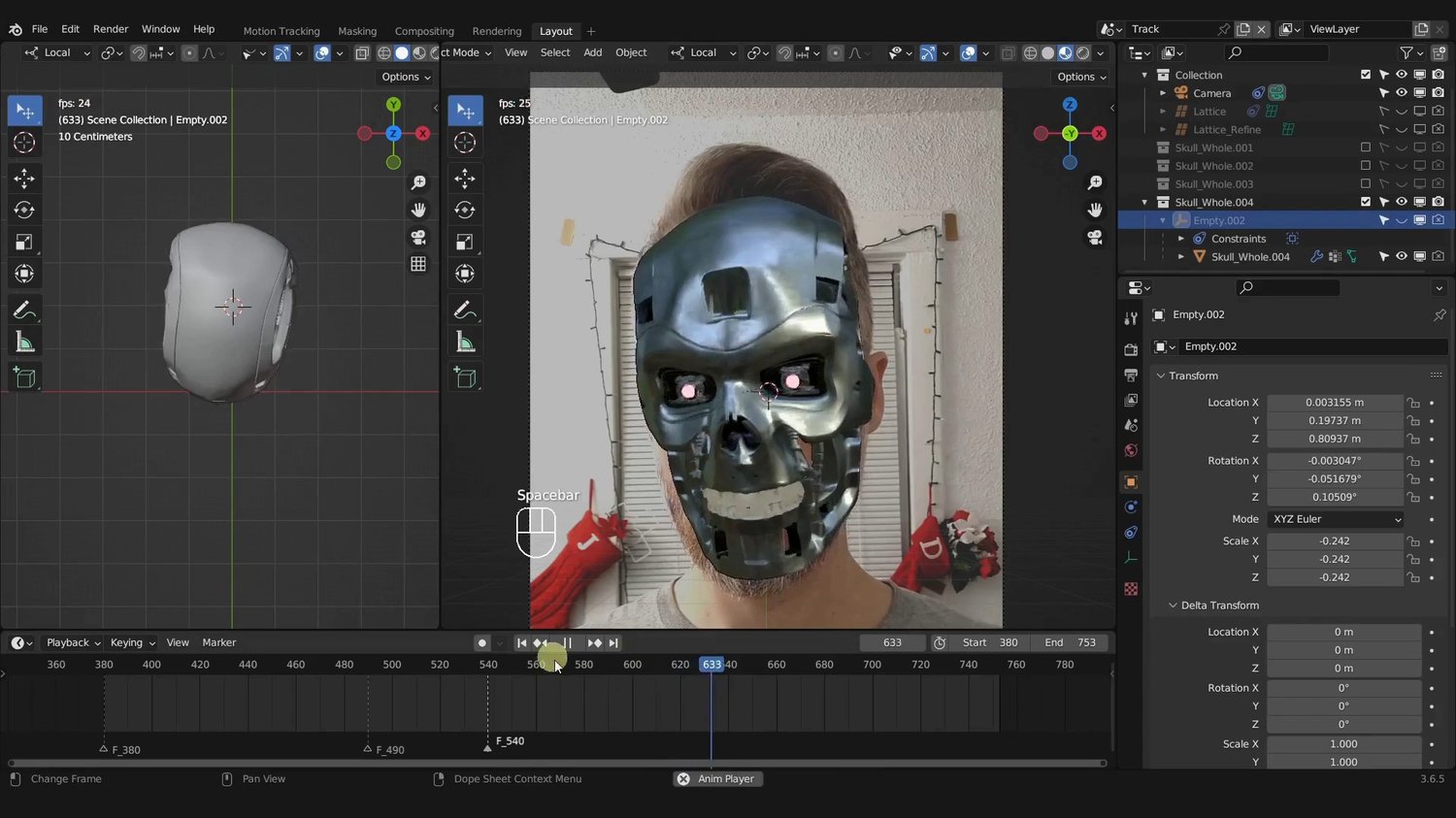
In this chapter, you will take the Terminator skull that is included in the course and shaping it to fit the subjects head. You will then learn lots of tips and tricks to debug any tracking glitches in order to fine-tune and make your motion tracking match the footage and skull as tightly and smoothly as possible.
By the end of the chapter you should be able to attach and fit a 3D skull to match real world footage of a turning head.
CHAPTER 4 – Negative Space
This chapter is all about creating negative space in your footage in order to make room for 3D objects.
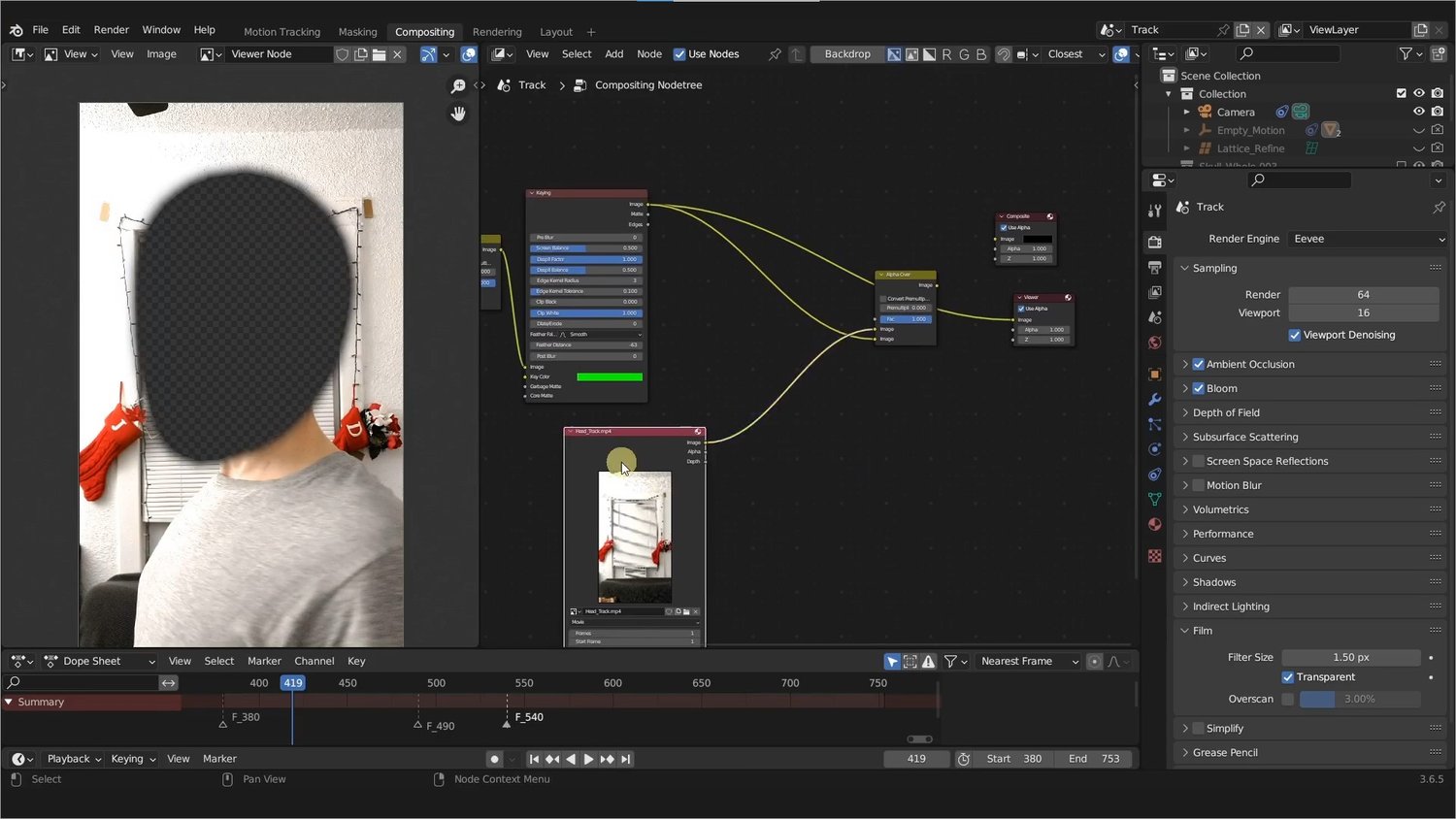
At the end of the chapter you should have full knowledge and understanding of how 3D masks work in Blender and be able to use them in compositing to create negative space in your footage.
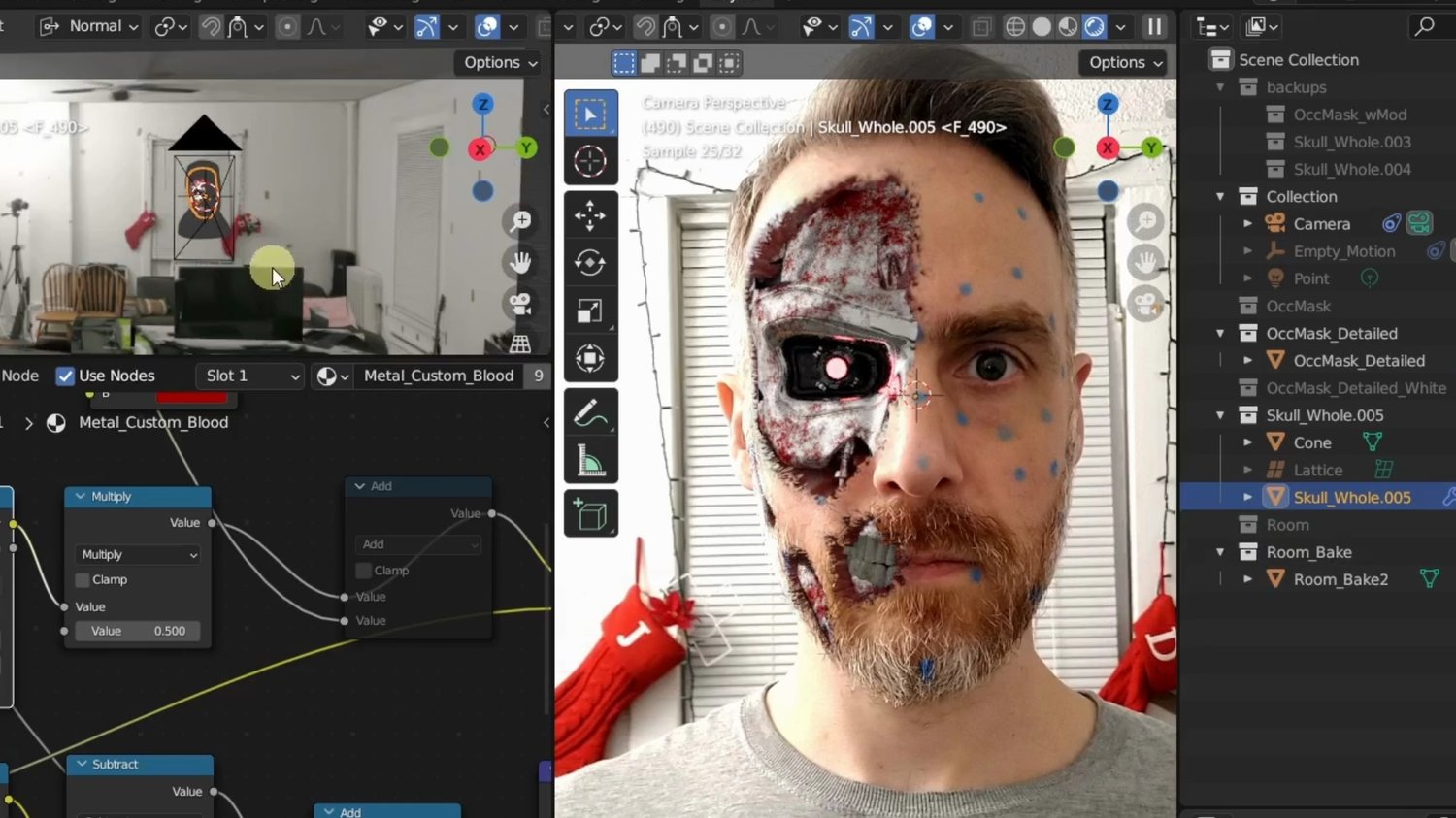
CHAPTER 5 – Skin & Wounds
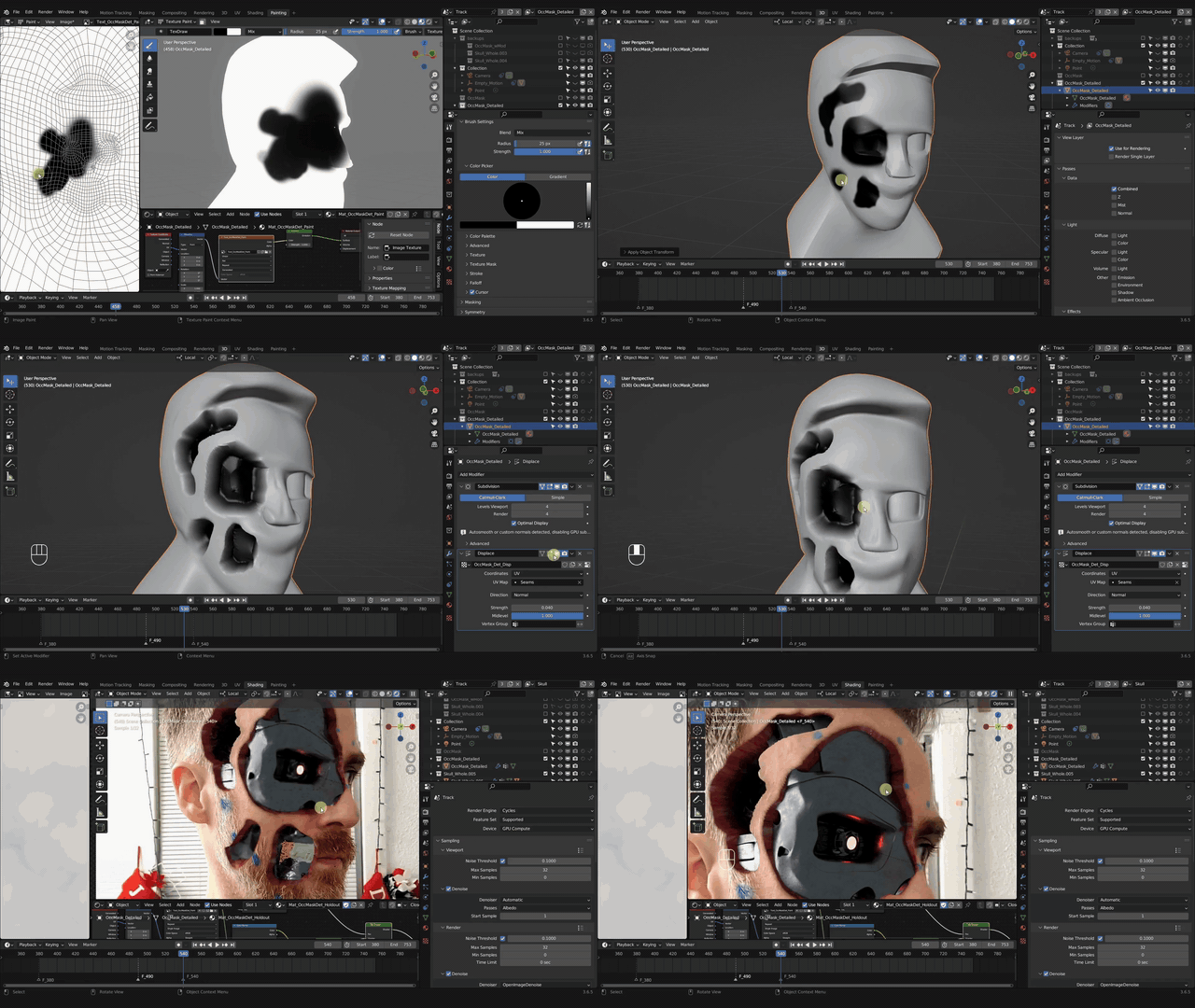
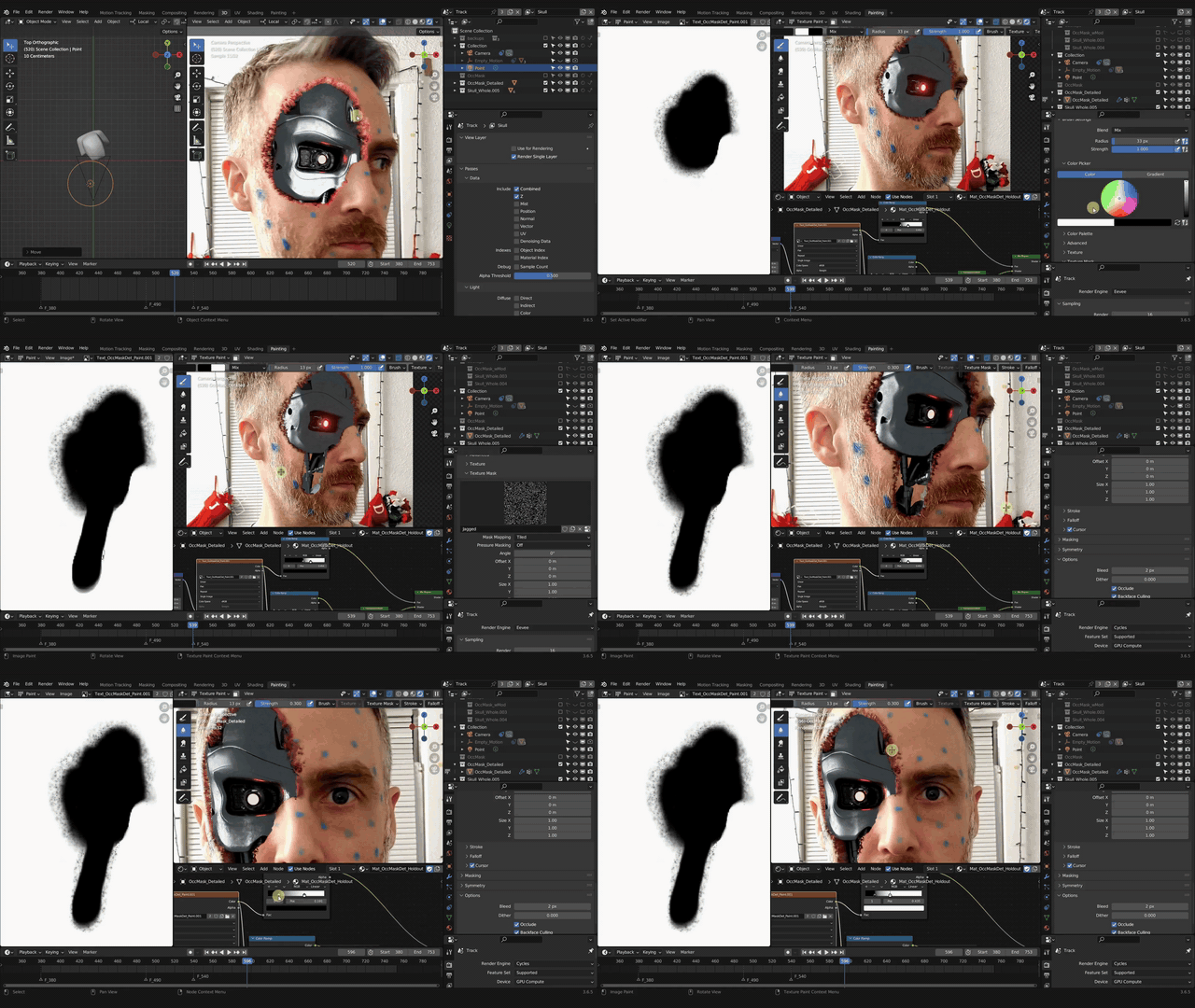
Once you complete the chapter, you should know how to add light "gore" to your scene by painting wounds onto a face with texture painting, masks, materials, and Blender's shader editor, in order to reveal the 3D metal skull that appears to be beneath the skin.
PART 2
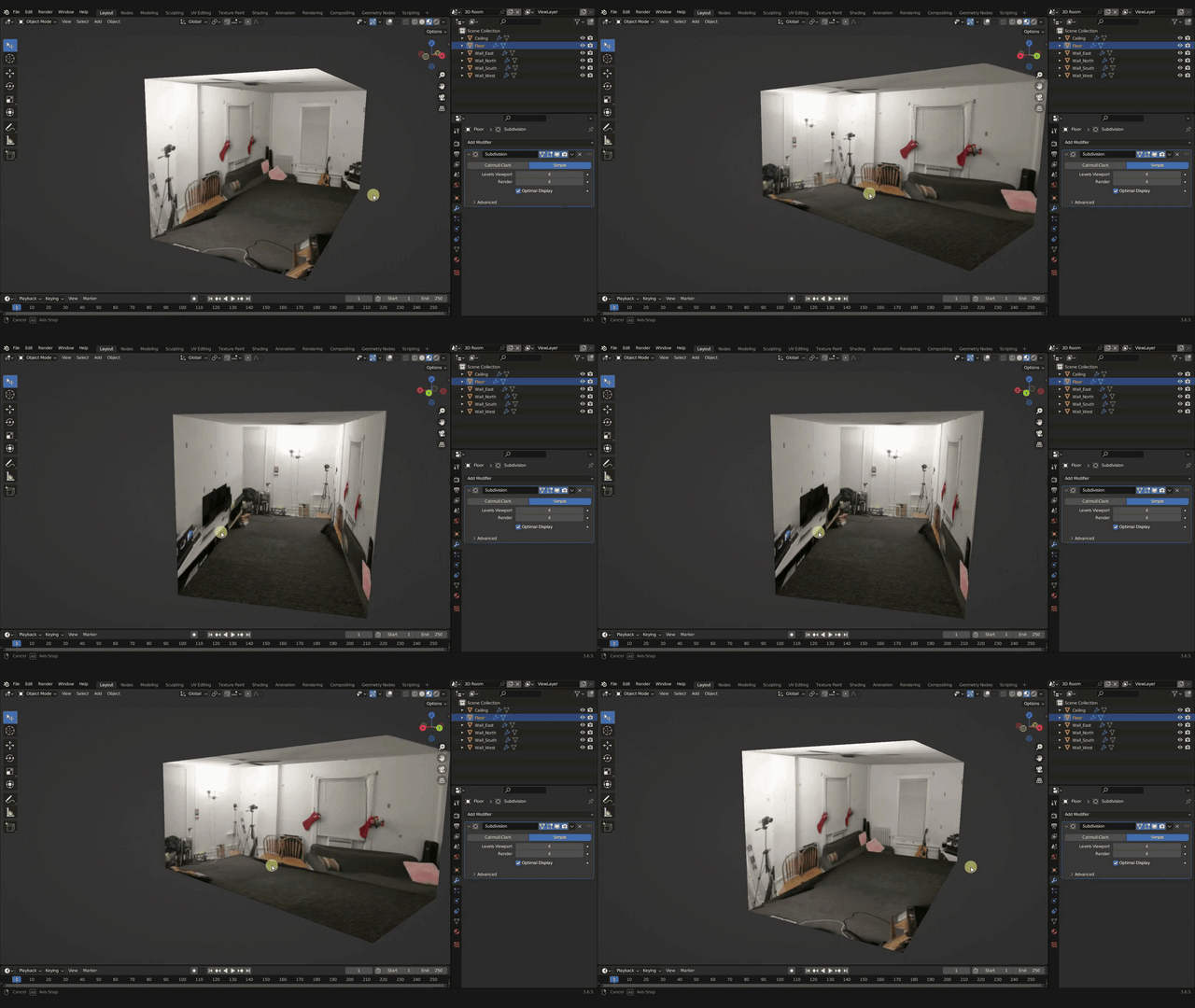
CHAPTER 6 – Simple Box Room
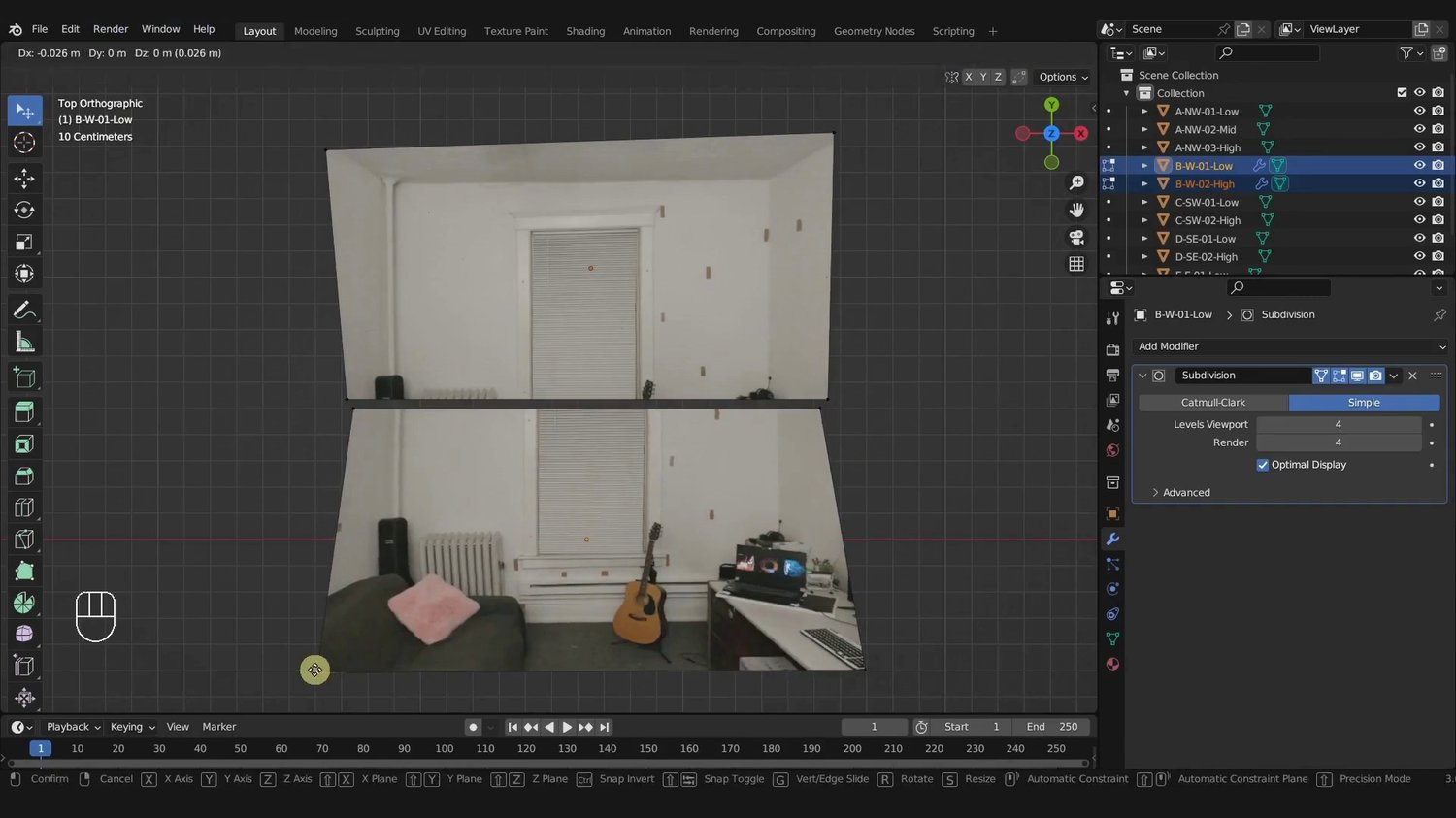
This chapter is a quick & dirty introduction to rudimentary environment creation – without a 360 degree camera or other fancy equipment.
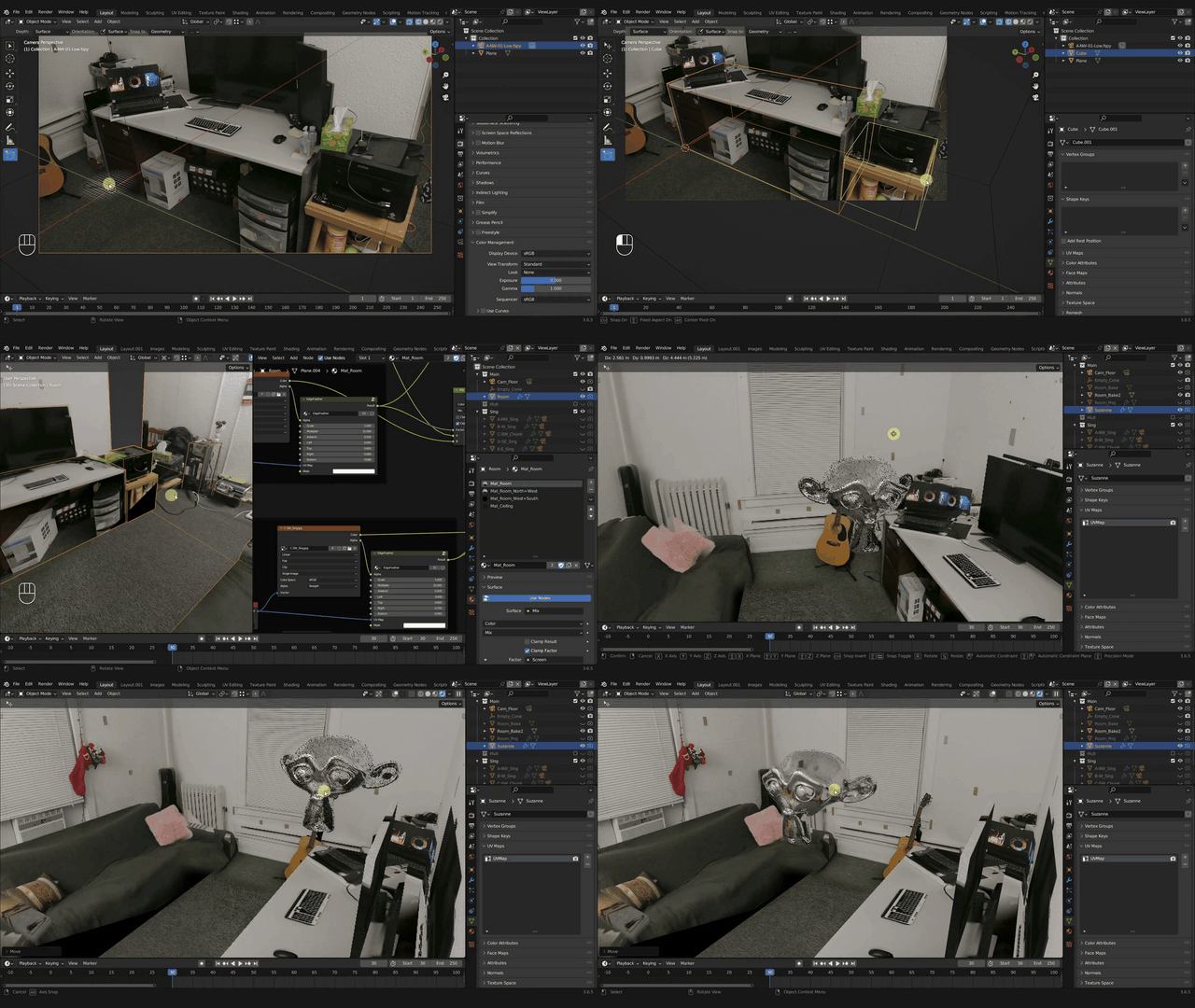
When you're done with this chapter, you should be able to stitch photos together to create a simple environment box of an interior room that will reflect off of your CG objects, adding to the realism of your scene.
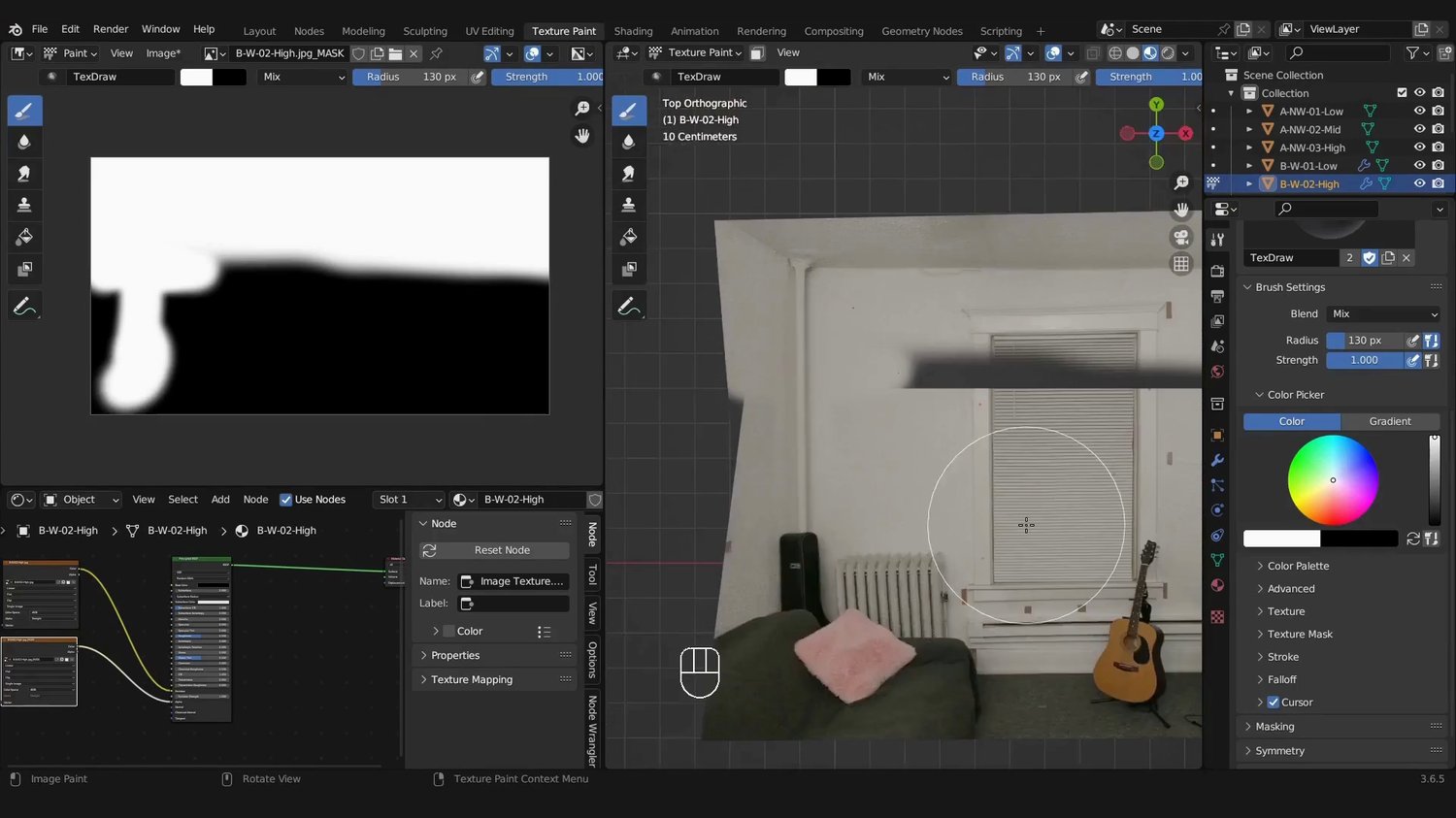
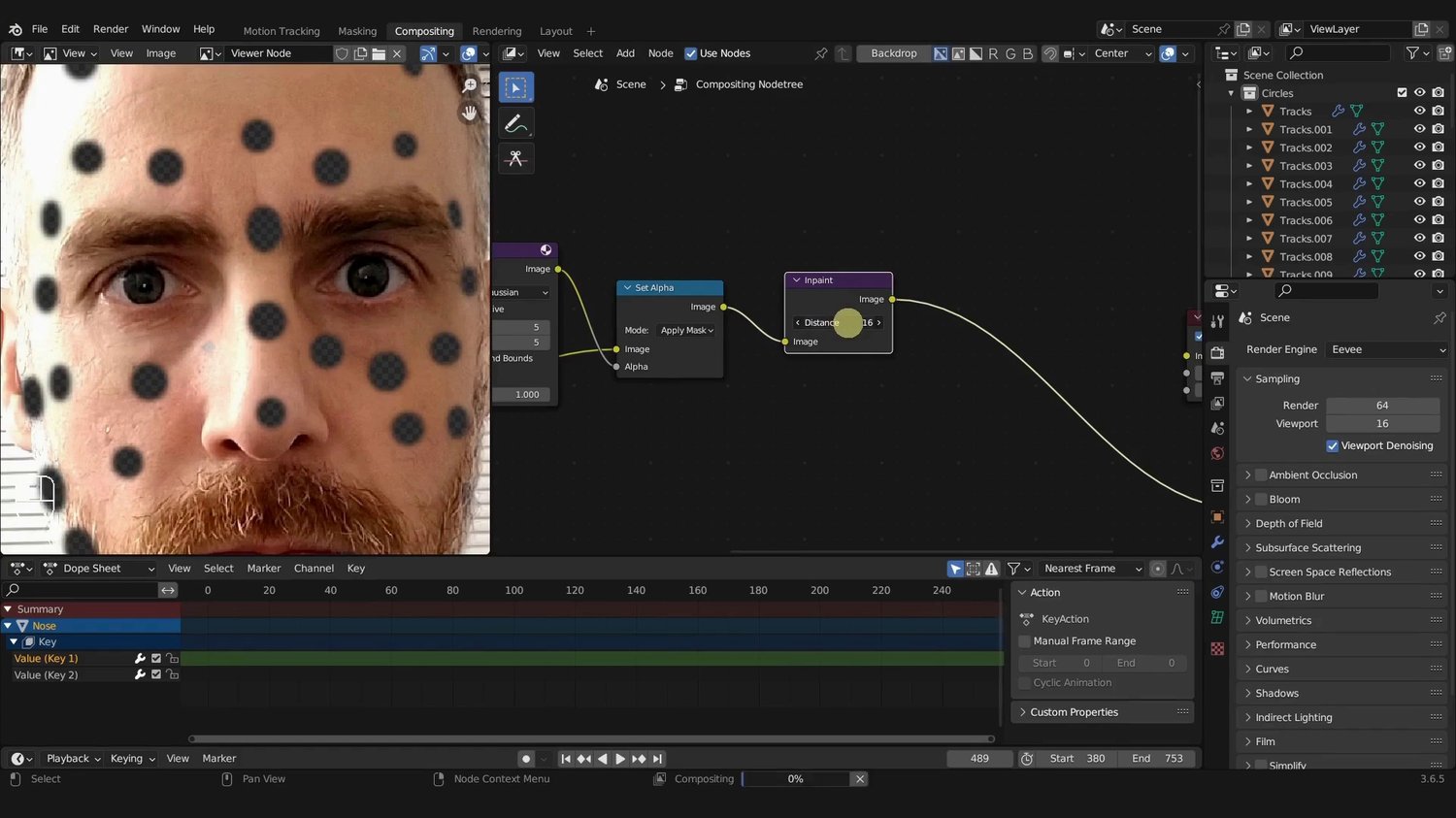
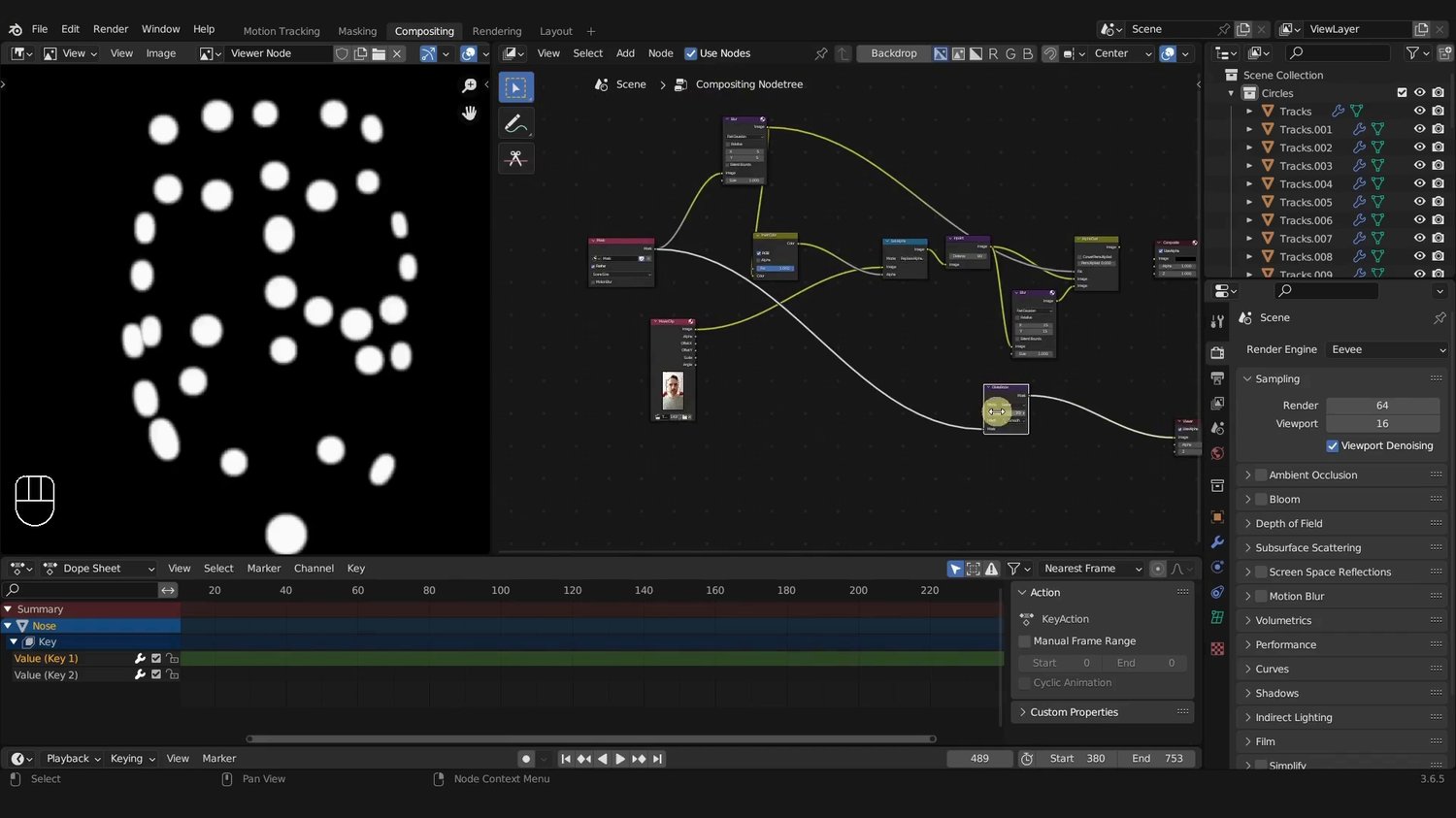
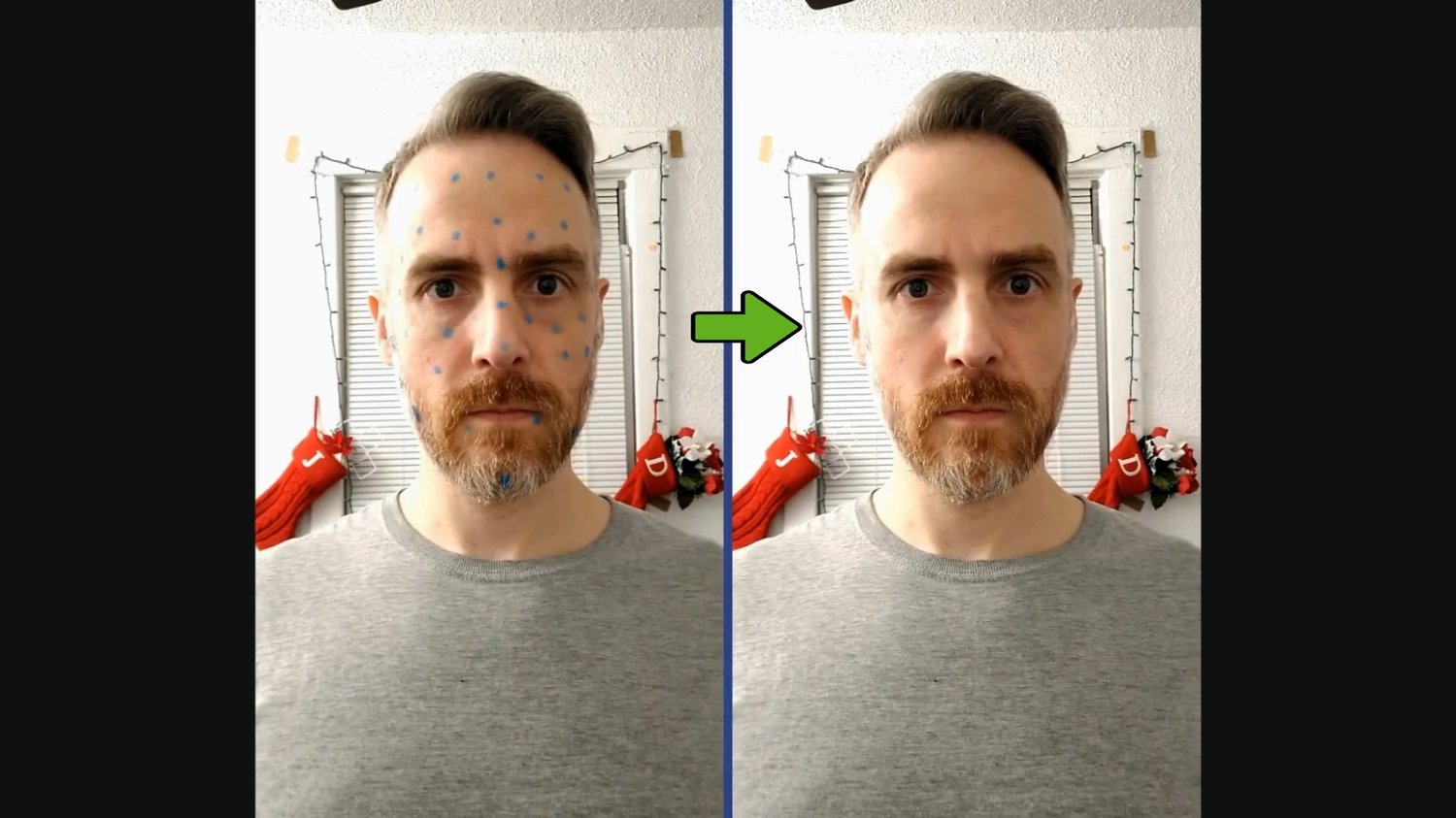
CHAPTER 7 – Face Marker Removal
This chapter is an introduction to 2D and 3D masking techniques that you can use to remove face markers. You will also learn basic and advance compositing workflows to remove all sorts of face markers, including any difficult ones.
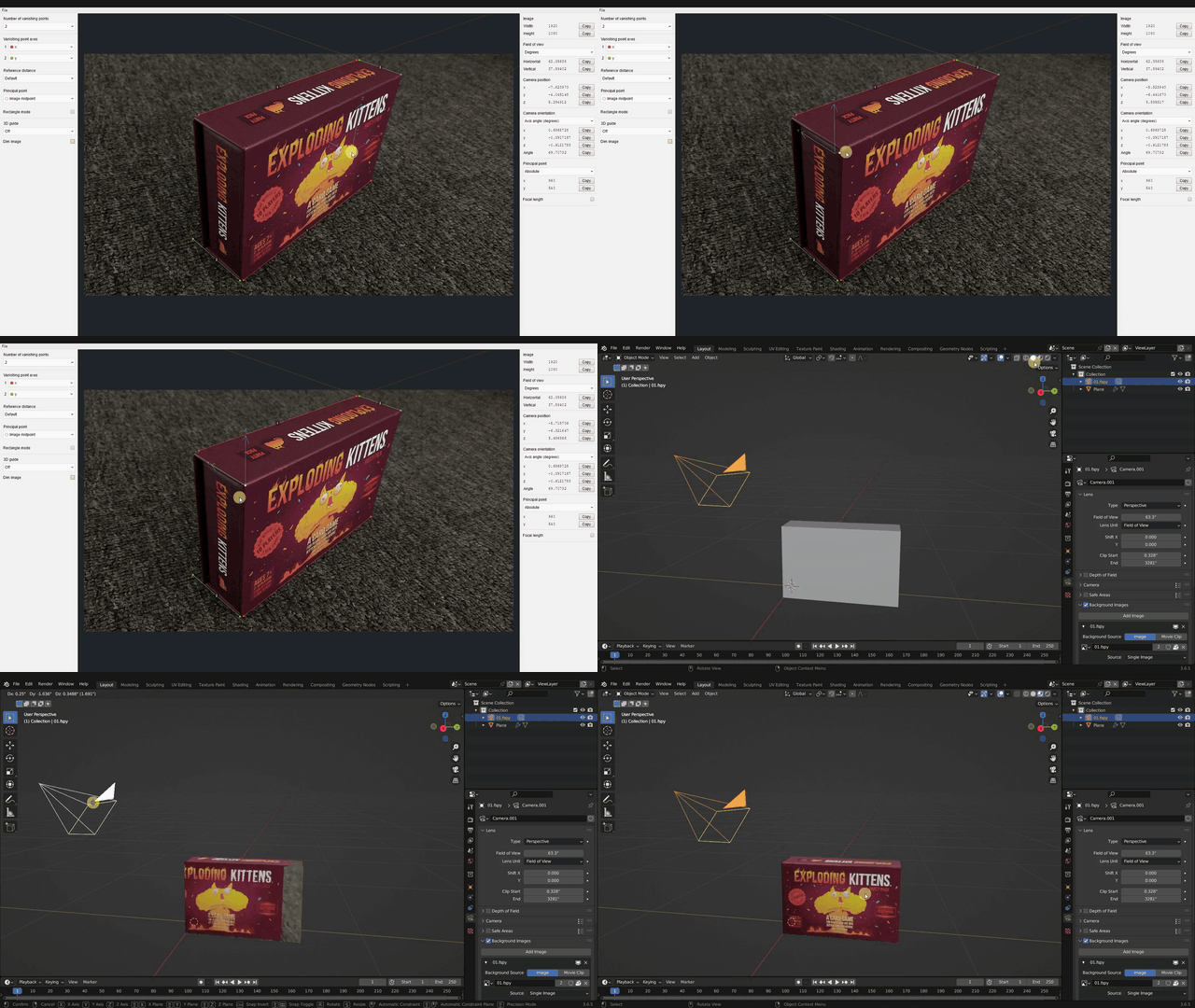
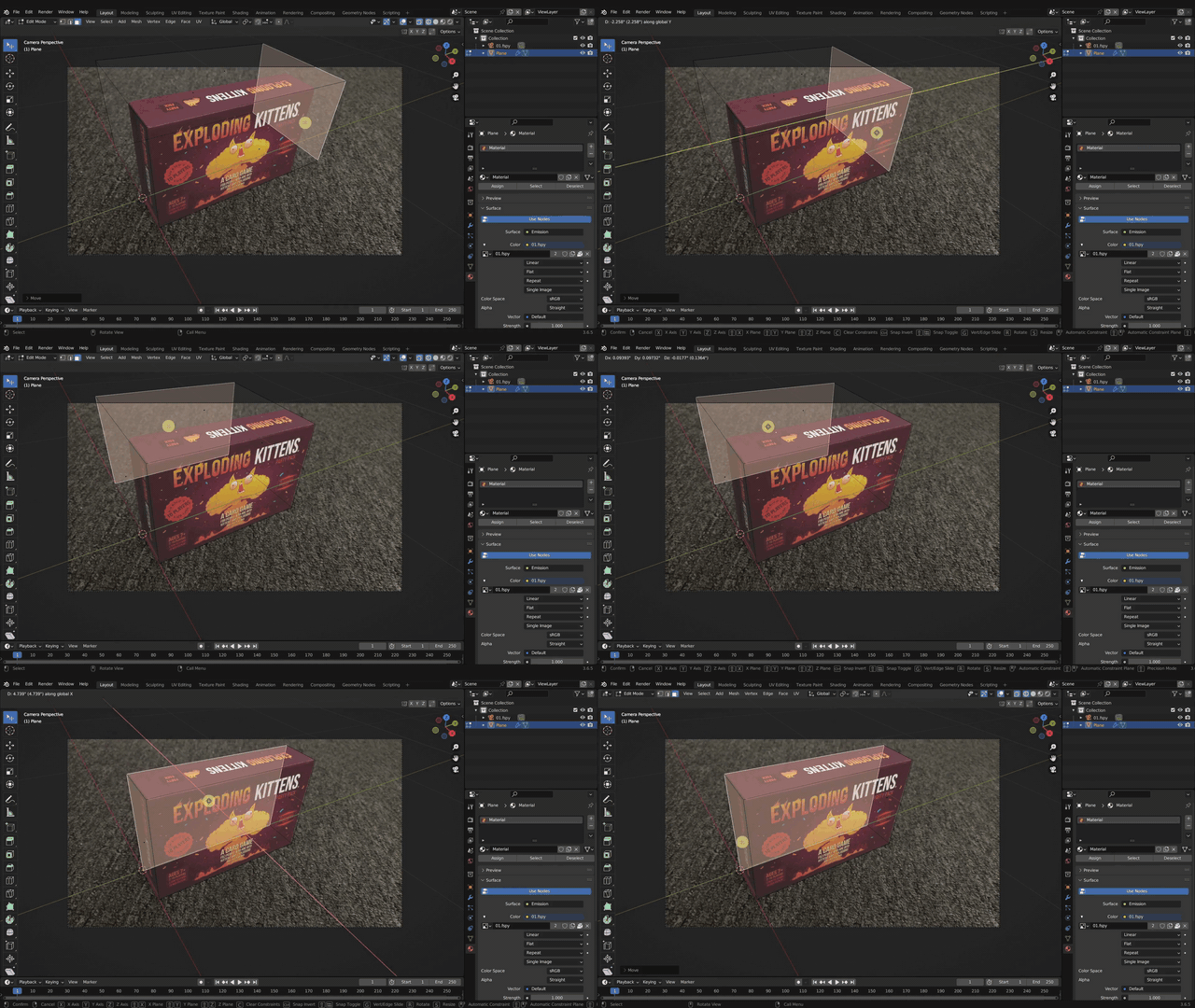
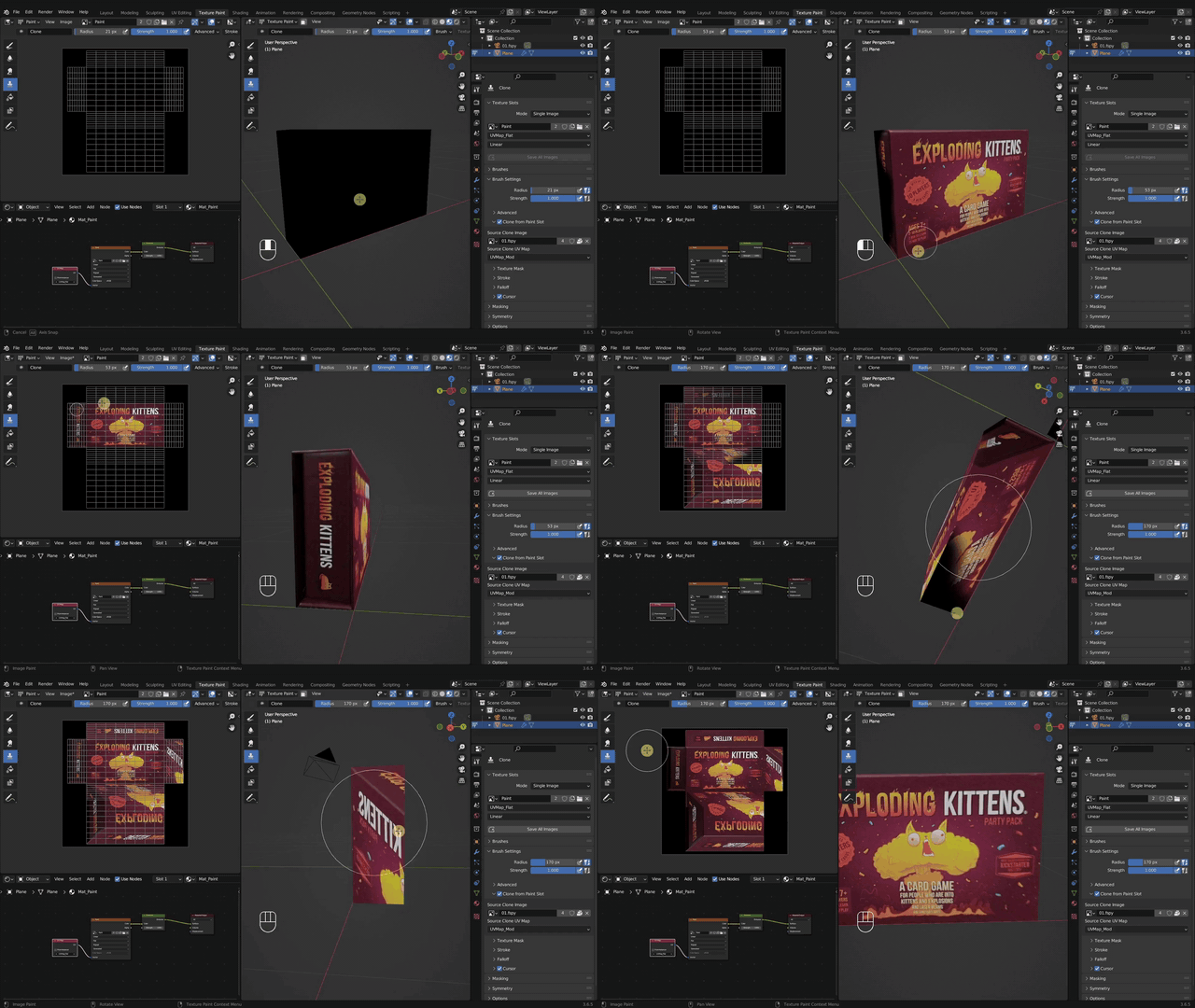
CHAPTER 8 – Intro to Projection Mapping
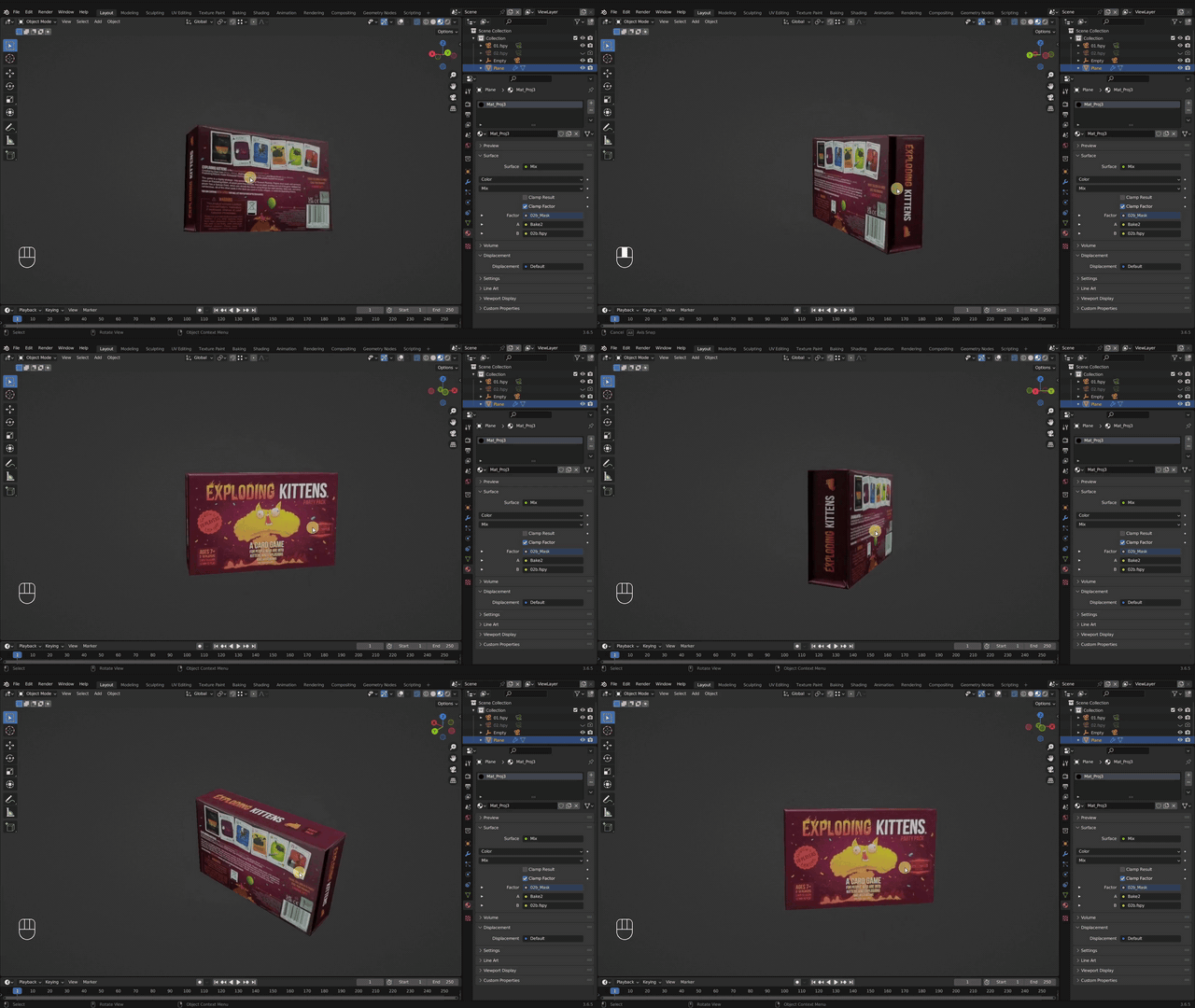
This chapter introduces projection mapping using Blender along with a free and open source program called fSpy. I take you step-by-step through the entire projection mapping process to create a simple game box.
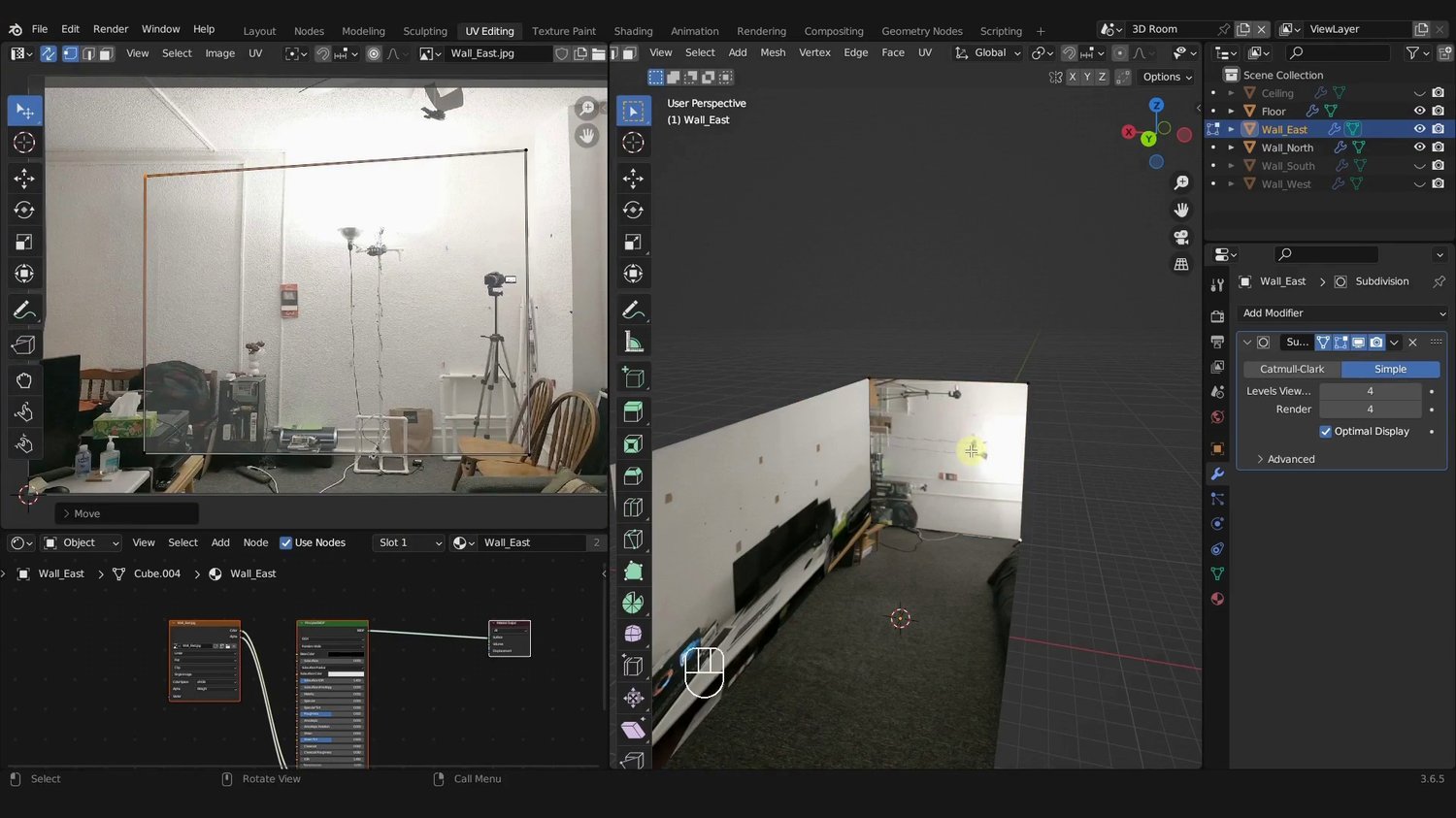
CHAPTER 9 – Projecting the Living Room
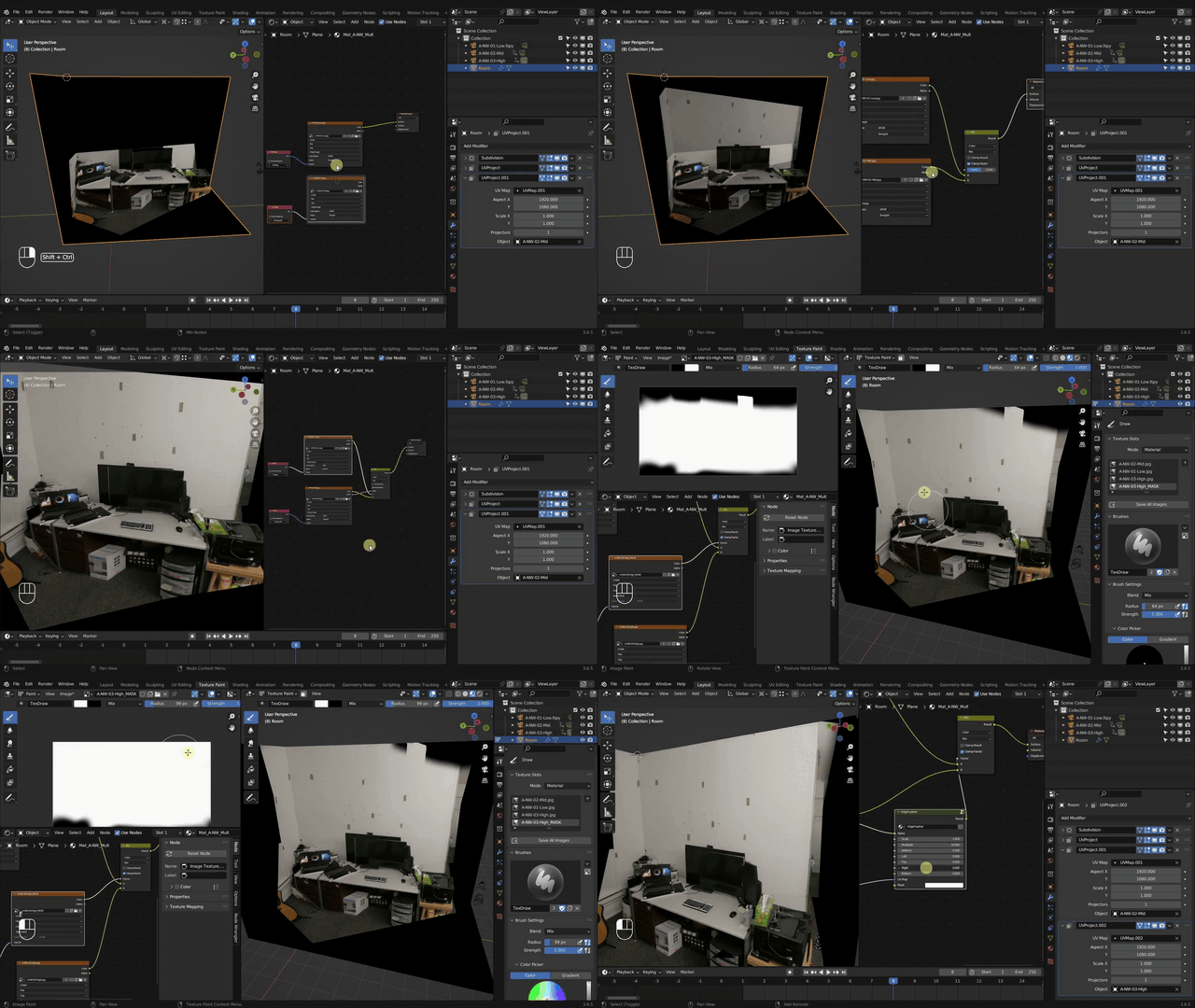
This is the final chapter where we will take the projection mapping concepts from chapter 8 and create a rough, low poly interior living room in 3D. You all sorts of new techniques to help piece together an entire room.
At the end of this chapter you should be able to piece together an entire room in Blender by projecting real world photos onto 3D geometry.
Course curriculum
-
1CHAPTER 0 | Getting Started
-
2CHAPTER 1 | Filming & Prep
-
3CHAPTER 2 | Object Tracking
-
4CHAPTER 3 | The Skull
-
5CHAPTER 4 | Creating Negative Space
-
6CHAPTER 5 | Skin & Wounds
-
7CHAPTER 6 | Environment #1 - Simple Box
-
8CHAPTER 7 | Face Marker Removal
-
9CHAPTER 8 | Environment #2 -Intro to Projection Mapping
-
10CHAPTER 9 | Environment #3 - Projection Mapping the Living Room
-
11CHAPTER 10 | Making an EPIC Scene